Onboarding is what a new member sees when they join your Discord server: a few questions, the channels they start with and a short guide to getting started. Done well, it shows each member the parts of the server they care about, so they find their way around faster.
Before you start
Onboarding is only available on Community servers. If yours isn't one yet, turn it on in Server Settings > Enable Community.
Discord also asks for at least 7 default channels, and at least 5 of them must let @everyone view and send messages, according to Discord's Community Onboarding FAQ.
Set up onboarding
Open Server Settings > Onboarding.
1. Default channels
These are the channels every new member sees in their list. Pick the ones that matter on day one: announcements, rules, a general chat and the main topic of your server, such as game discussion.
2. Questions
Questions give members roles and add channels to their list based on their answers. For a game server, good questions include:
- Which platform do you play on? (PC, PlayStation, Xbox, Switch)
- Which updates do you want to be notified about? (Patch notes, events, playtests)
- What brings you here? (Playing, creating content, looking for a group)
Keep each question to a handful of answers. Members can still find channels you leave out of onboarding through Channels & Roles, but new members may never look for them.
3. Server guide
The server guide is a welcome page for new members. It has three parts.
- A welcome message from your team, in a sentence or two.
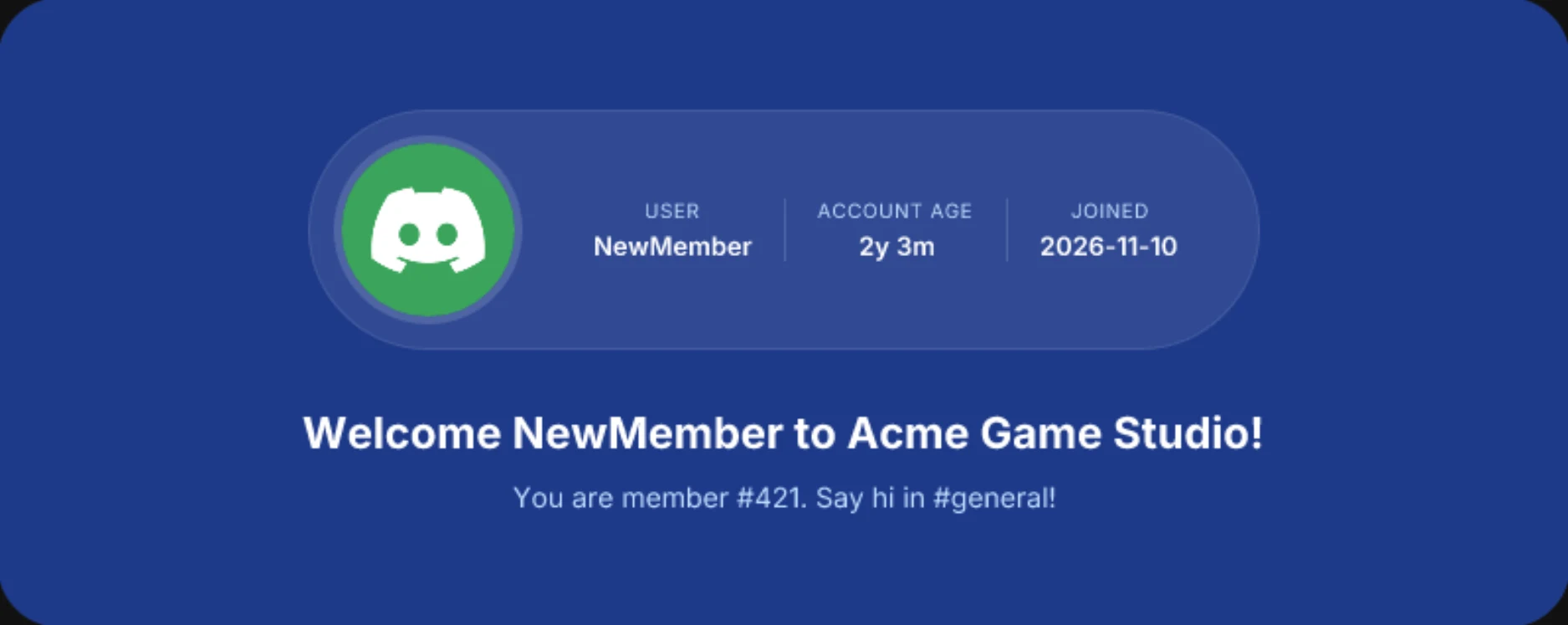
- New member to-dos: 3 to 5 first steps, such as reading the rules, picking roles and saying hello.
- Resource pages: links to your FAQ, your rules and where to report bugs.
4. Review and turn it on
Preview onboarding as a new member would see it, then enable it.
Get a plan for your Discord server
Tell us about your community and our team will send you a free plan.
Rules and verification
Rules aren't part of the onboarding questions. Members are asked to accept your rules after they join, through rules screening in Server Settings > Safety Setup. Our Discord rules template gives you a set to start from.
Tips for onboarding that works
- Keep it short. Every extra question is another step before a member can post.
- Assign every channel. Put each one in the defaults or tie it to an answer, so new members can find it.
- Make the first to-do easy, such as saying hello in a channel your team watches.
- Reply to first messages quickly, ideally from someone on your team.
Check whether it's working
Look at how many new members post in their first week, and where they stop: picking roles, reading the rules or posting. If many join and never post, shorten the questions or move a busier channel into the defaults.
In CEEJAY, welcome messages and cards greet every new member with a card made for your server, and growth analytics show where new members come from and whether they stay past their first week. Our server setup service builds onboarding, rules and roles with you before the server opens.



