A ticket system gives each member a private conversation with your team. Members get help without sharing account details in public, and your team sees every open request together instead of searching chat for unanswered questions.
The options
- A help channel. Fine for a small server. Questions get lost in a busy channel, and members can't share private details.
- A support forum. Each question becomes its own post, and answers stay public for the next member with the same problem. Good for how-to questions, not for account or payment issues.
- Private tickets. A member presses a button, and a private channel or thread opens between them and your team. This is a common setup for game and brand servers.
- Your helpdesk. If your support team already works in a helpdesk such as Zendesk or Freshdesk, an integration can bring Discord tickets into it.
Many servers combine a support forum for common questions with private tickets for anything personal.
What a good ticket panel includes
- A clear button for each type of request, such as "Account", "Bug" or "Purchase", so tickets reach the right person.
- A few questions before the ticket opens, such as their platform or order number, so your team doesn't have to ask.
- A first message that says when the member can expect an answer.
- A transcript saved when the ticket closes, so your team can look back.
Get a plan for your Discord server
Tell us about your community and our team will send you a free plan.
Answer faster
- Write saved replies for the questions you answer every day.
- Assign tickets so two moderators don't answer the same one.
- Set support hours in the panel's message, and stick to them.
- Close tickets once they're solved, and ask the member to rate the answer.
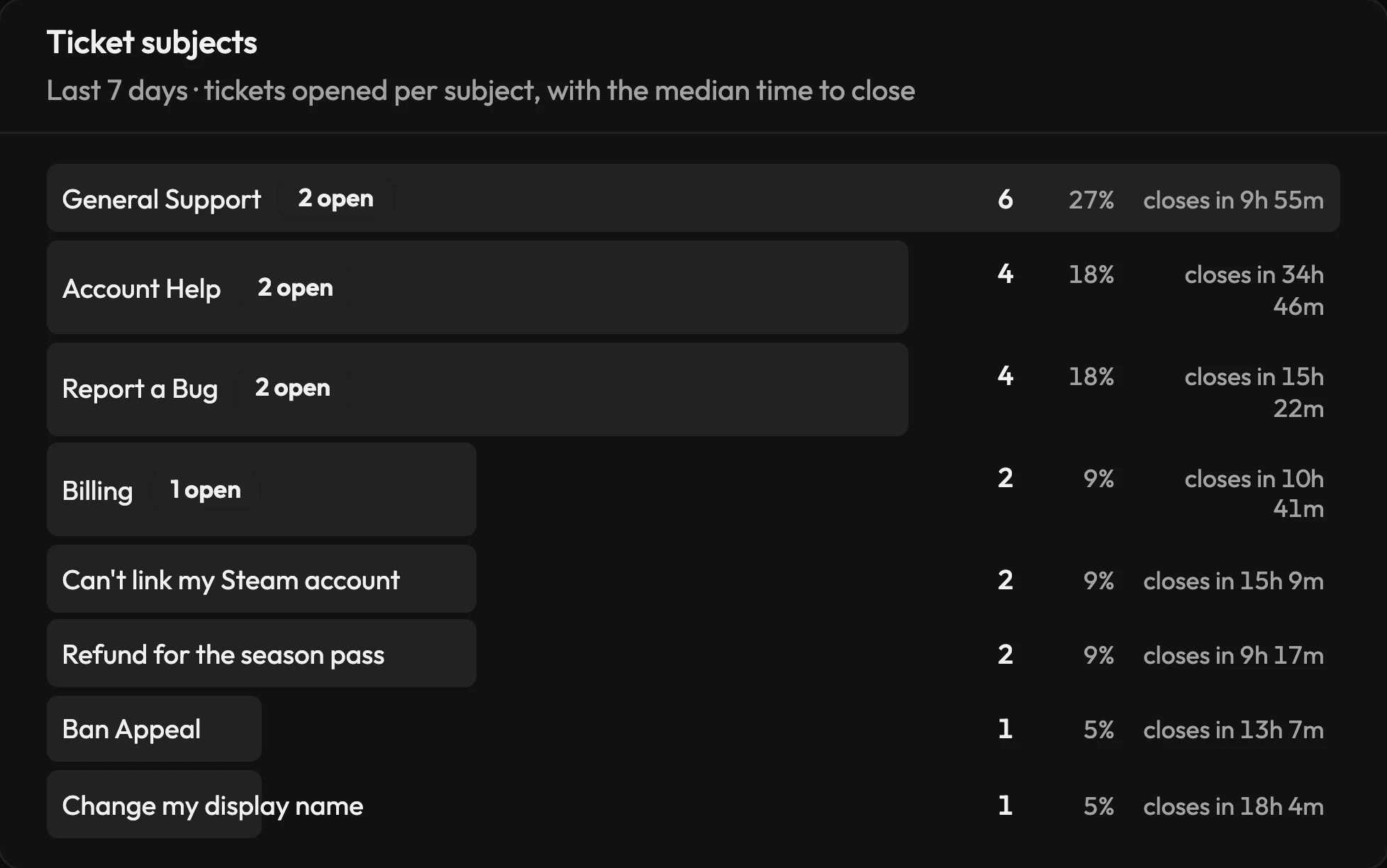
- Read the patterns. If the same question comes in every day, add it to your FAQ or fix the cause.
Keep tickets safe
Only your support team and moderators should see ticket channels. Never ask members for passwords or full payment details in a ticket, and pin a message in your support channel saying so, as scammers sometimes pretend to be from your support team.
Tickets in CEEJAY
Ticket support in CEEJAY helps your team answer every ticket and see which issues keep coming back. The team inbox lists new tickets alongside mentions and tasks.



