Email for your members
Reach members outside Discord by email.
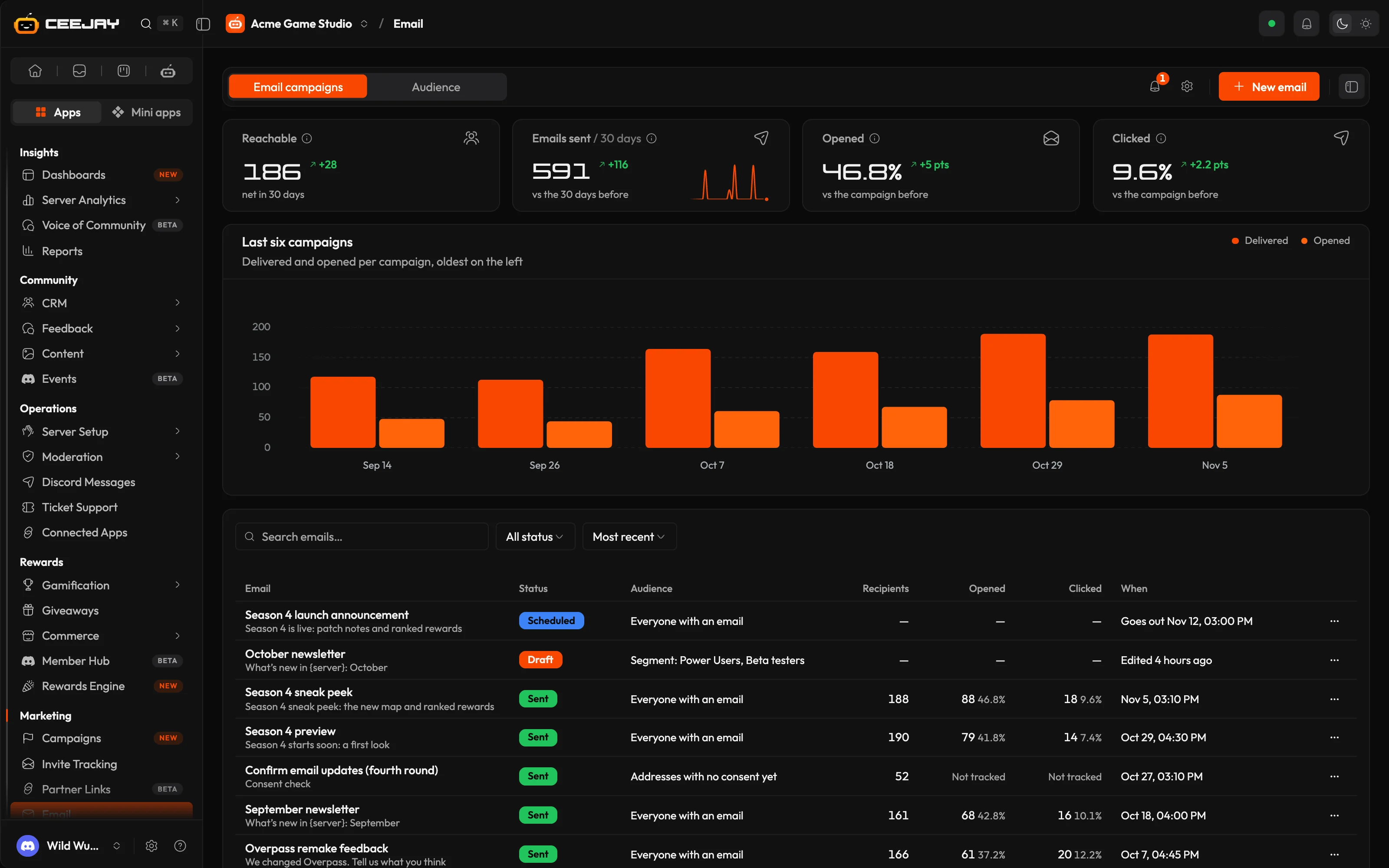


What studios get from email
Email only the members who want to hear from you
Every member has a consent status: subscribed, no consent yet, unsubscribed or bounced. Only members who have opted in receive a campaign, and every email includes an unsubscribe link.
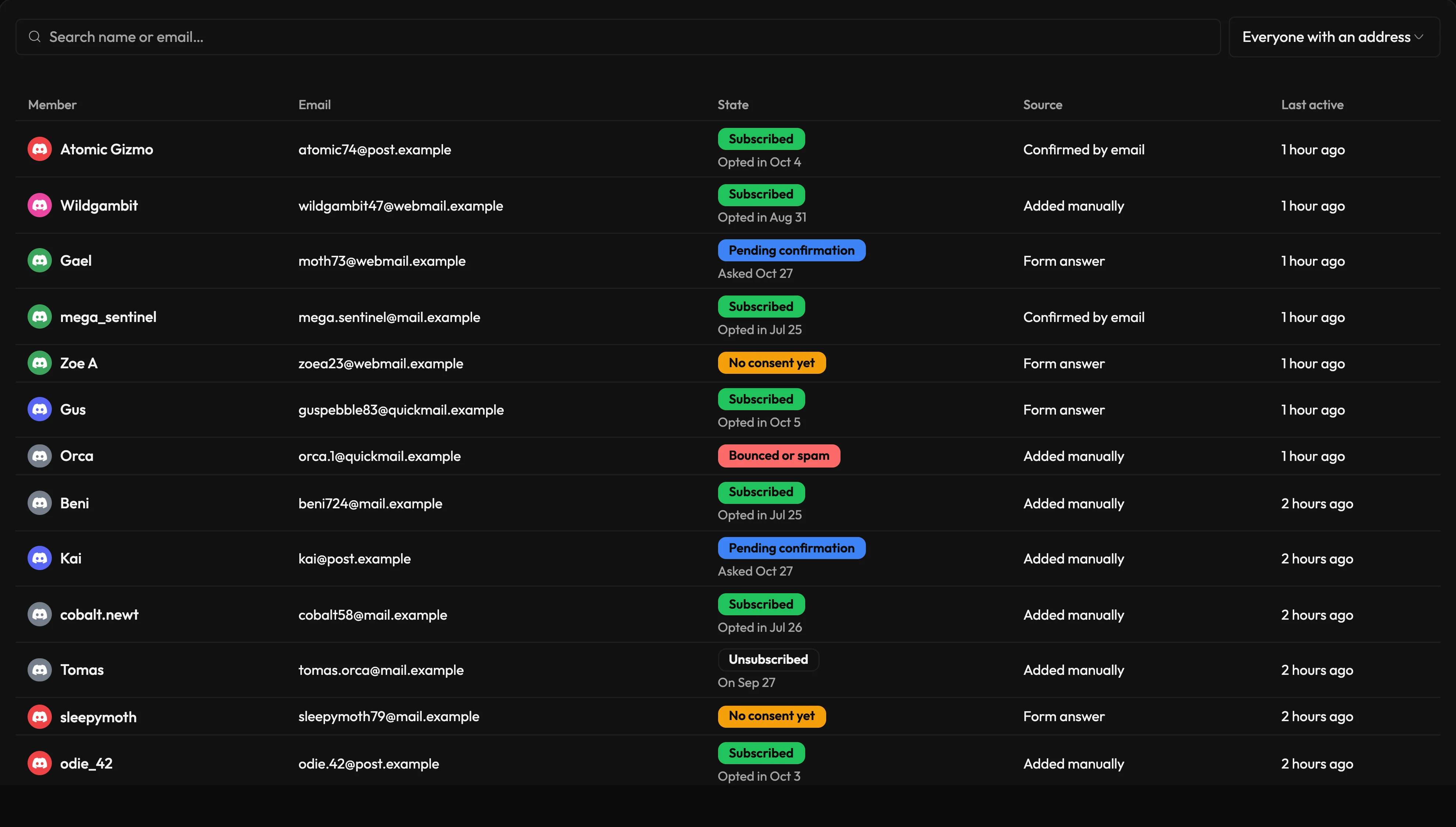

Build your email list where members already are
Members give their email address when they complete a form or sign up to a programme in Discord, on its web page or in the Member Hub, and each address shows where it was collected. Only members who have opted in receive a campaign.
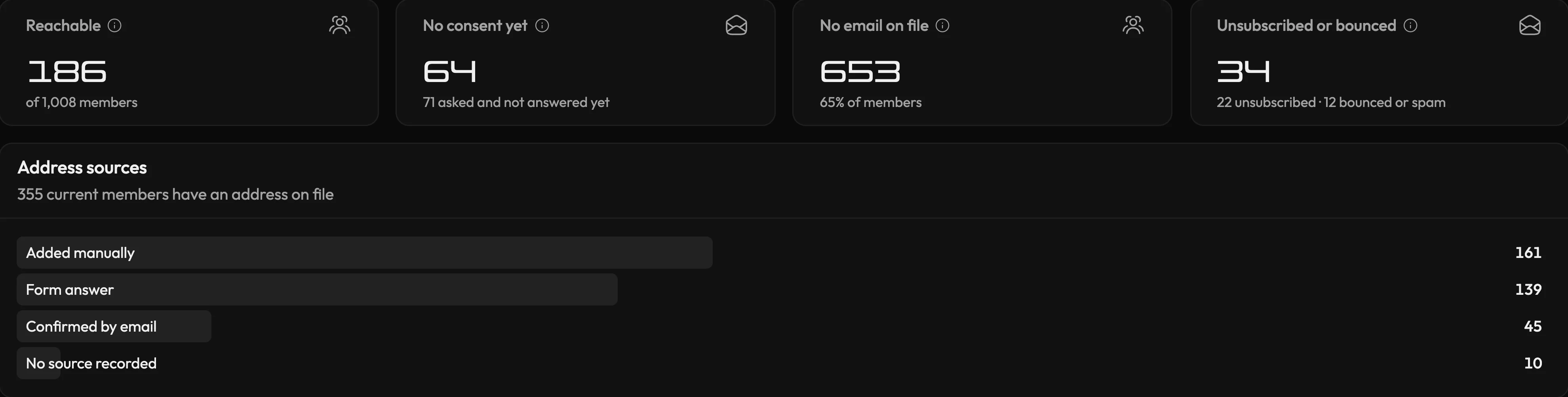


Reach the right members, and know how many
Send to everyone, to segments, to members with a role or tag, or to a programme. See exactly how many members will receive the email, and why the rest will not, before you send.
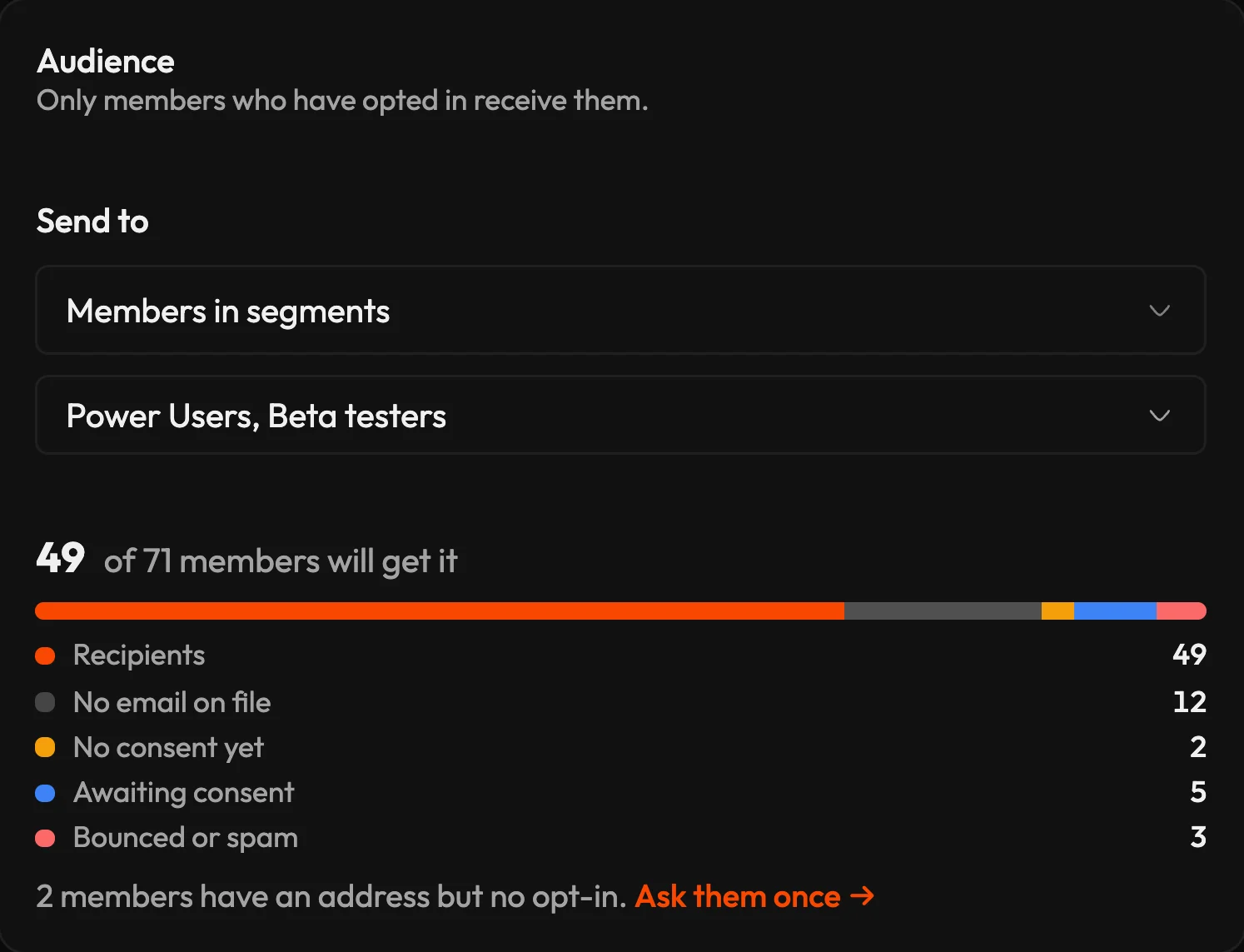
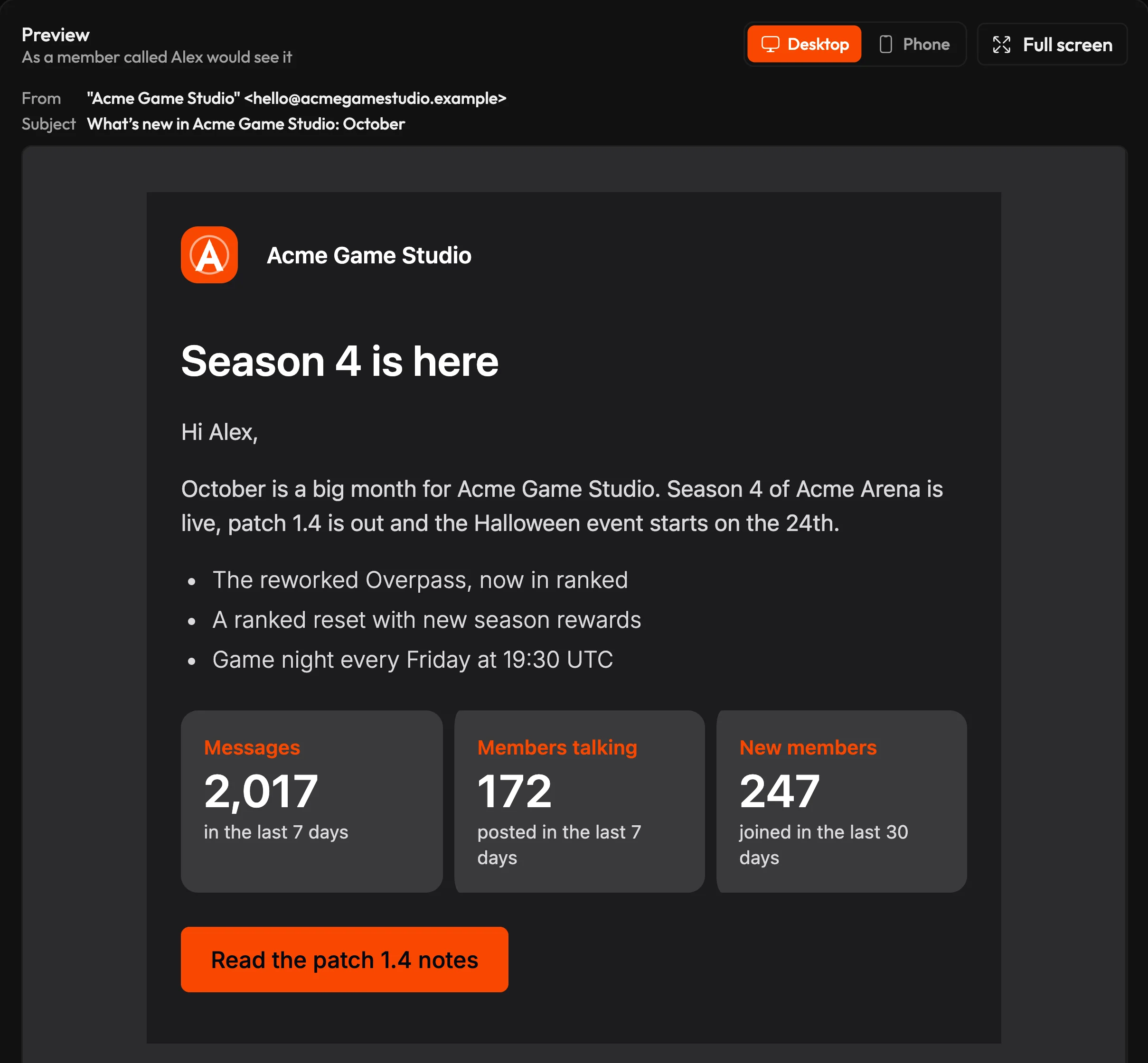
Announce a launch with an email that looks like your game
Start from a newsletter, announcement, event invite or We miss you template, or build your own from blocks, and preview it on desktop and phone before you send.

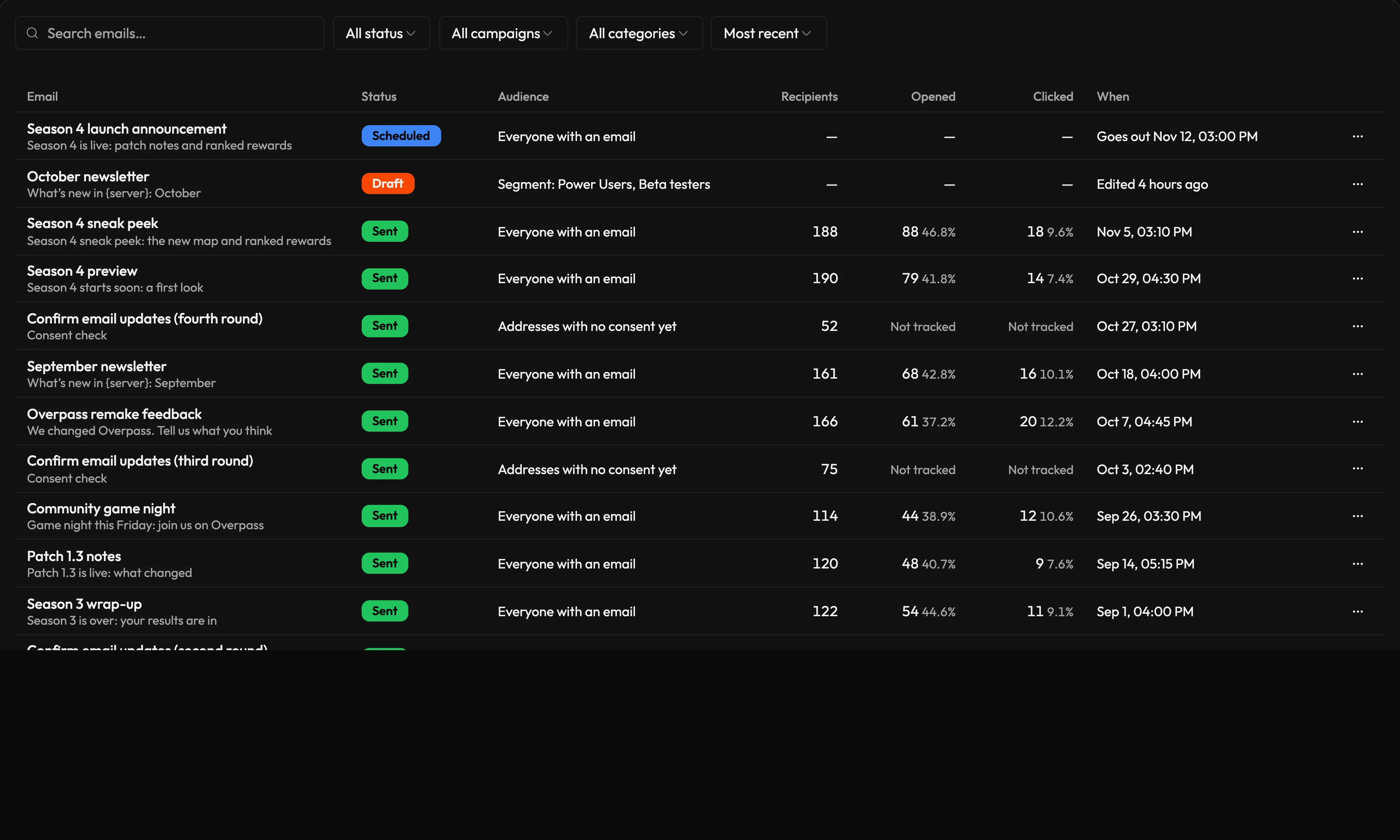
See who opened and clicked
Every sent email has a report with delivered, opened, clicked and unsubscribed counts, and a list of the links members clicked most.
More in Marketing
Campaigns
Run a launch across polls, quests and messages, and see what it achieved.

Invite Tracking
Spend on the creators and campaigns that bring members who stay.

Partner Links
Run giveaways in partner and creator servers to bring their members into yours.

Web Pages
Turn visitors into members with a public page for your server.

Only members who have an email address on file and have opted in. Members who have unsubscribed, or whose address bounced, are never emailed.
Yes. In the email settings you add your domain and its DNS records, then send from an address such as community@mail.yourgame.com. Until then, emails go out from CEEJAY's shared address.
An unsubscribe link and your postal address. The postal address is required before an email can be sent.
Yes. Every plan includes every app. Plans differ by community size, editor seats and AI use.




Get started with CEEJAY
Book a demo of CEEJAY, or get a free launch plan for your server from our team.