Partner invite links
Run giveaways in partner and creator servers to bring their members into yours.
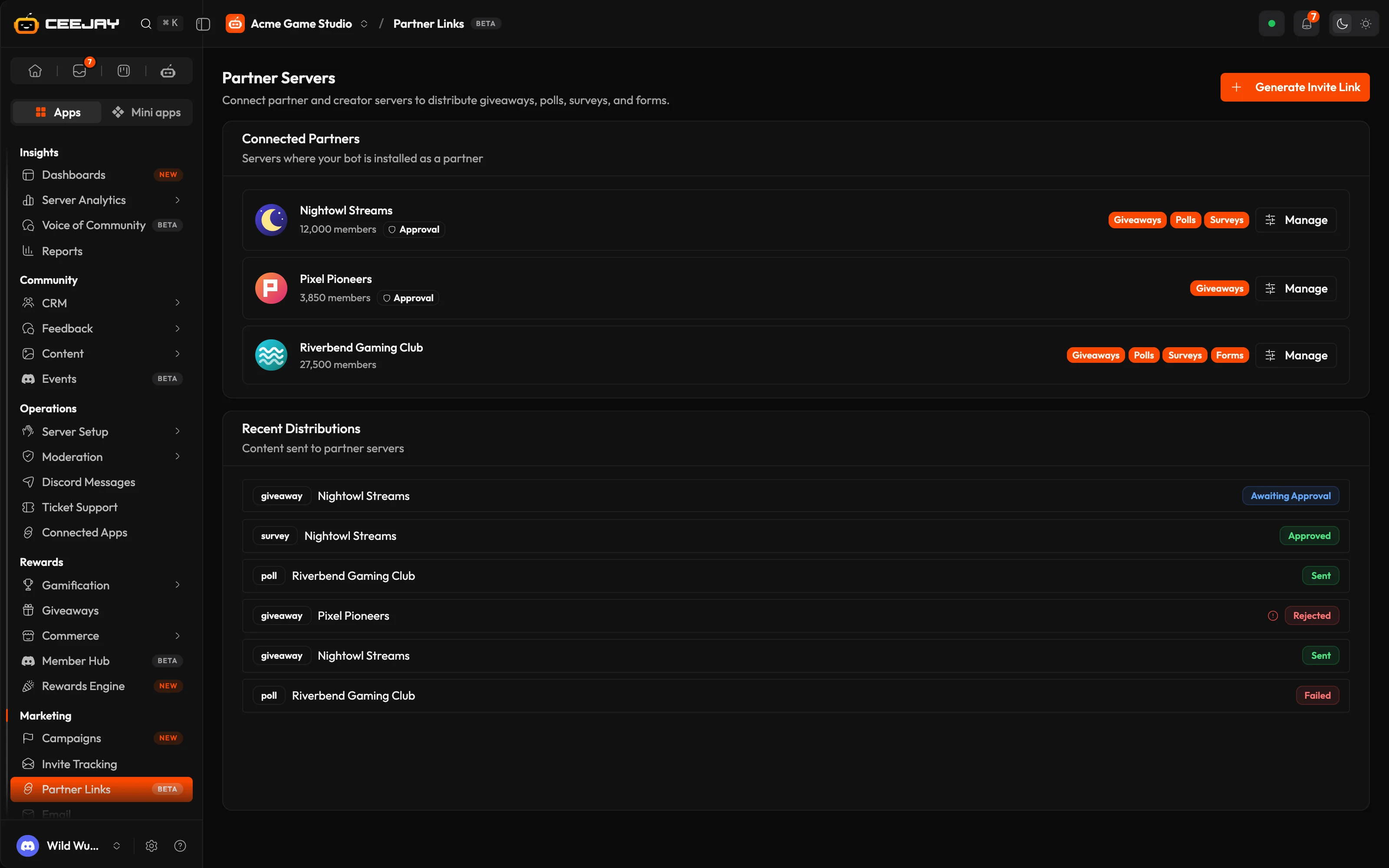


Reach players outside your server
Run a giveaway in a creator's server
Send a giveaway to a channel in a partner's server, and their members enter with the button on the post. Every post is tracked as Pending, Awaiting approval, Approved, Sent, Rejected or Failed, with the reason when a partner rejects one.
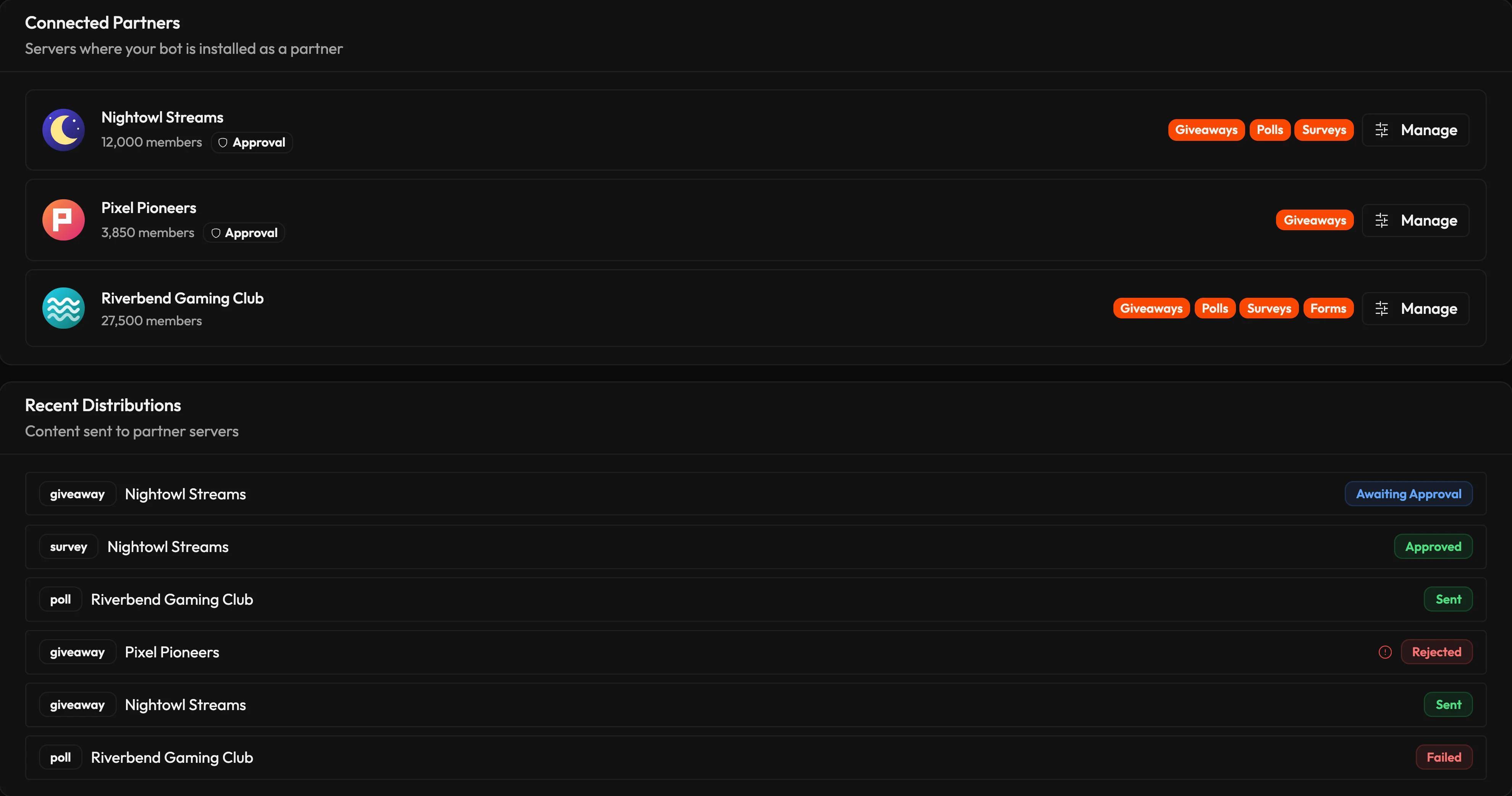

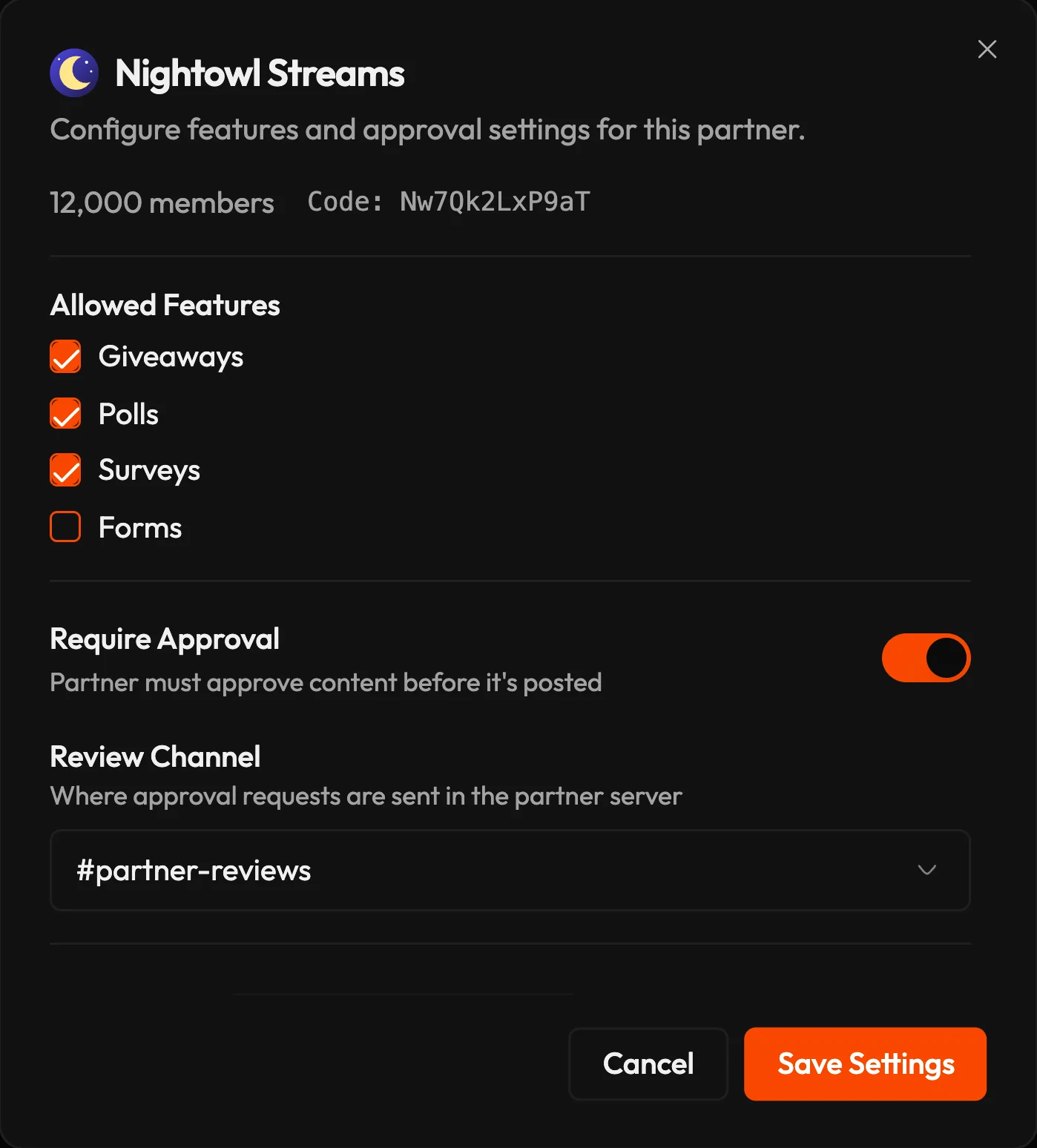
Let partners approve what goes out
Decide whether a partner has to approve each post first. Approval requests go to a review channel in their server, with Approve and Reject buttons.


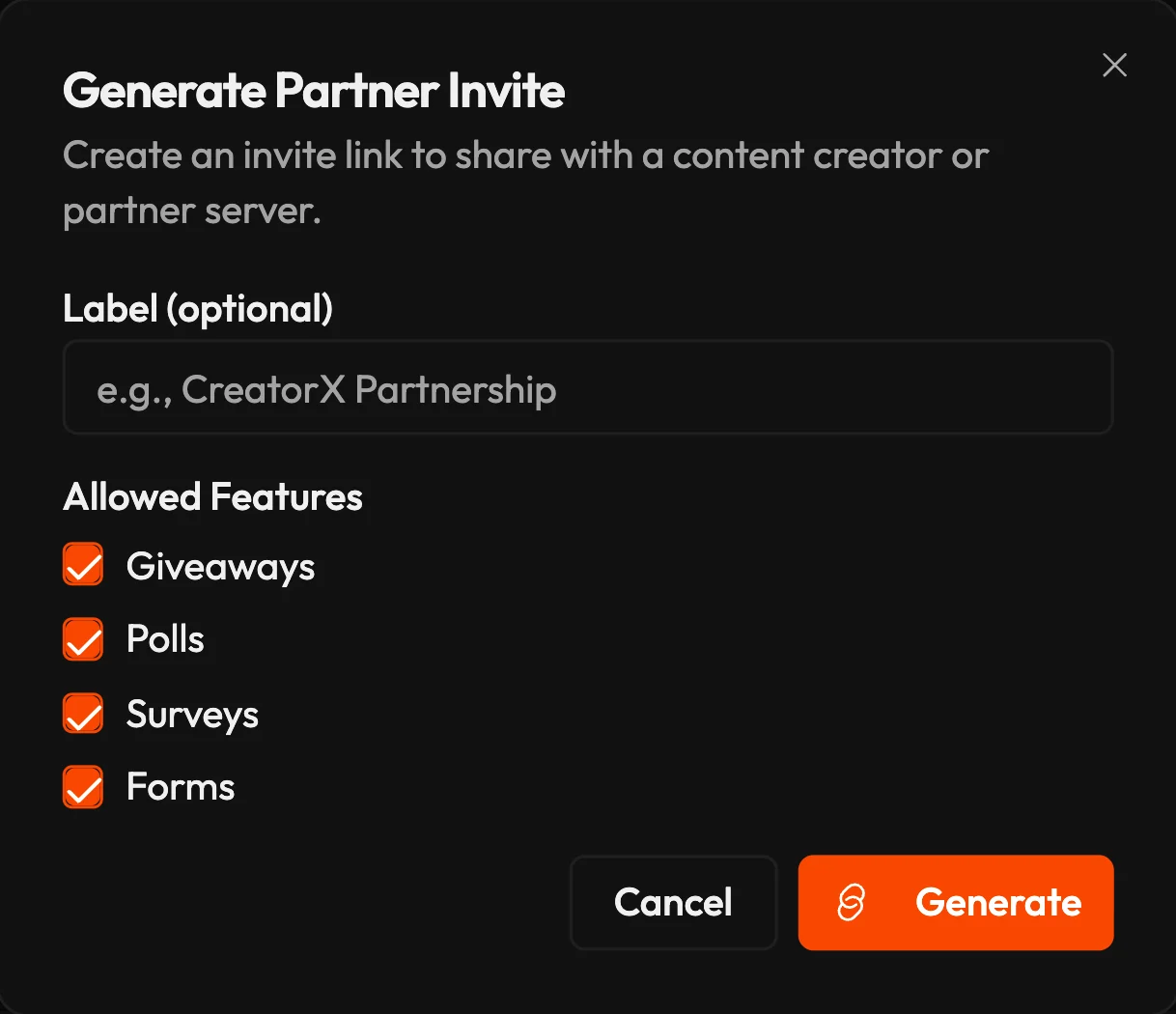
Connect a creator's server with one link
Generate an invite link, choose what the partner may receive and send it with the code. The partner adds CEEJAY's bot, runs one command and their server appears in your list.
More in Marketing


You can send giveaways from the dashboard today. A partner can also be allowed to receive polls, surveys and forms, but those builders do not send to partner servers yet.
You generate an invite link and a code. The partner adds CEEJAY's bot to their server, and someone with the Manage Messages permission runs the /link-partner command with the code.
Yes. With Require Approval on, each post waits for approval in a review channel in the partner's server. Choose a review channel. Without one, content goes out without review.
Yes. Every plan includes every app. Plans differ by community size, editor seats and AI use.




Get started with CEEJAY
Book a demo of CEEJAY, or get a free launch plan for your server from our team.