Discord reaction roles
Let members pick their own roles, games and pings.
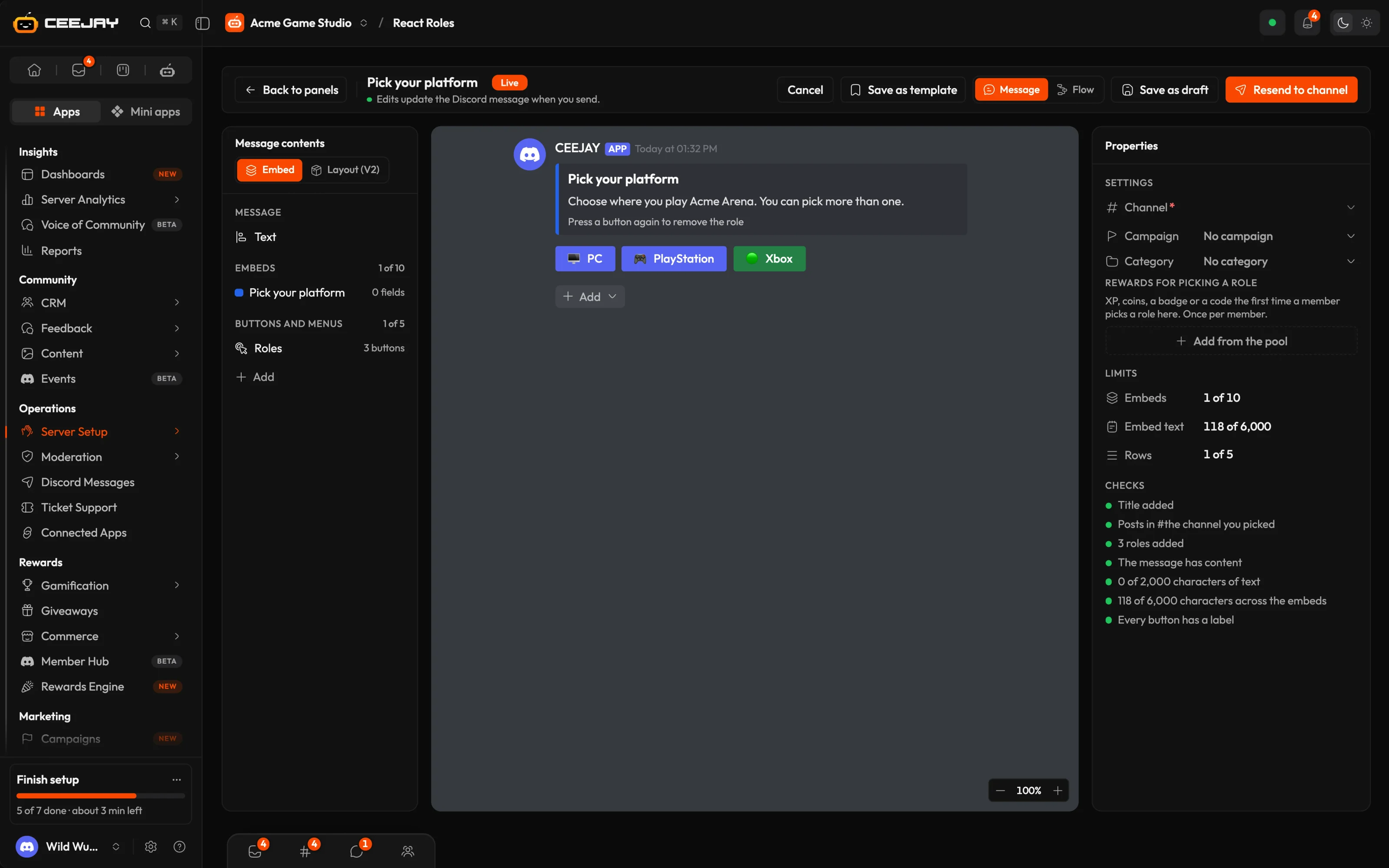


What studios get from role panels
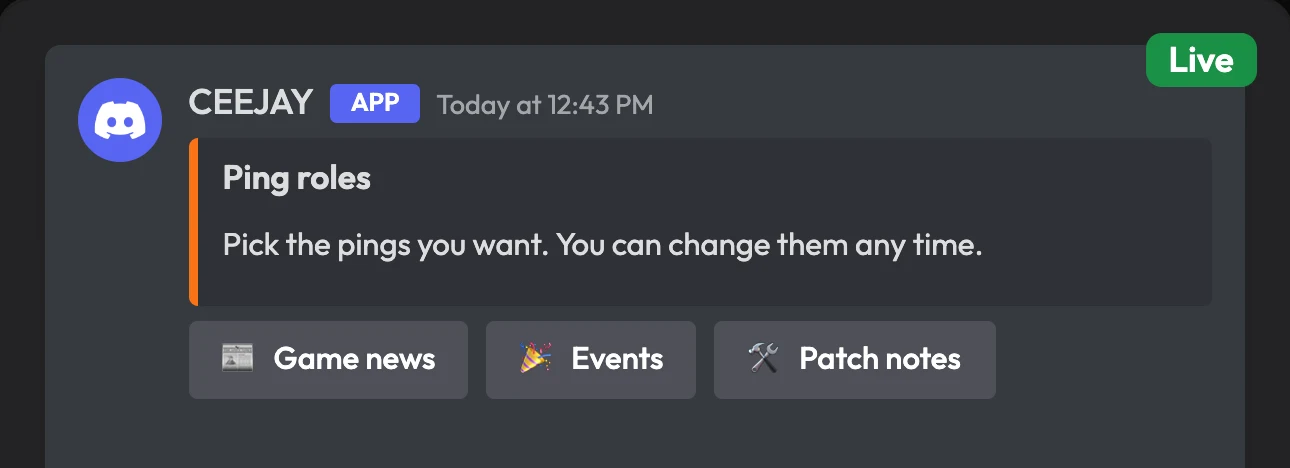
Let members choose their pings
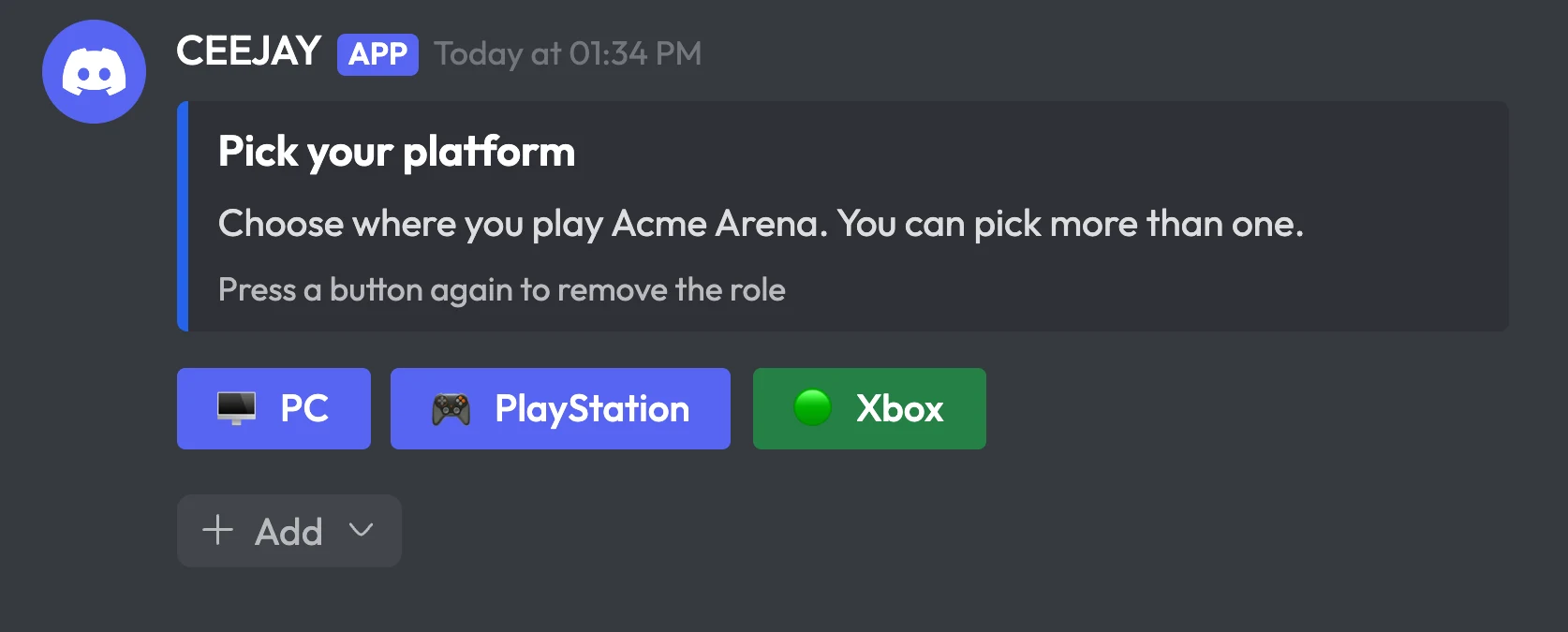
Post a panel where members tap a button to get a role, and tap again to remove it. Members choose game news, events or patch notes, and your team stops assigning pings by hand.

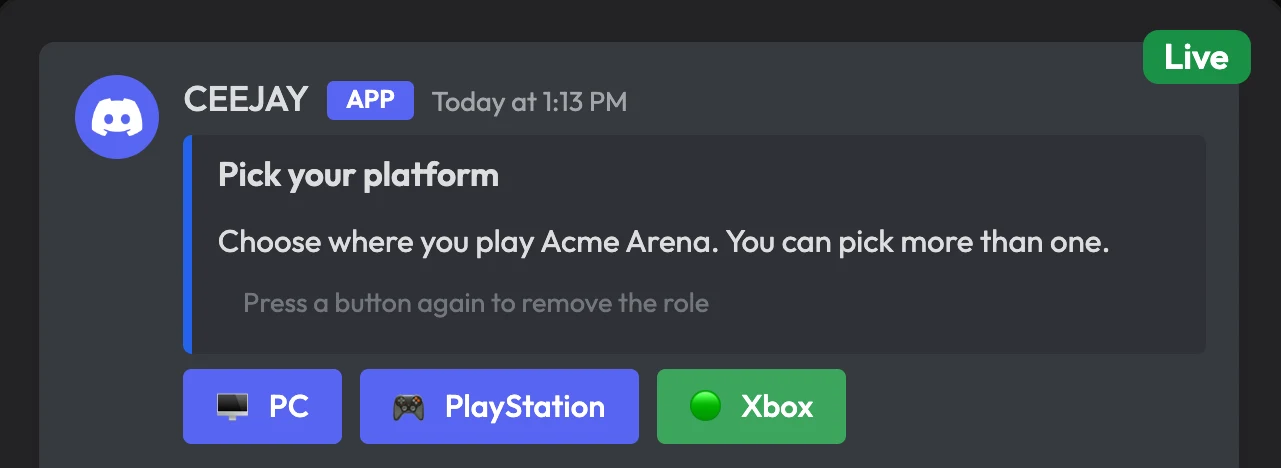
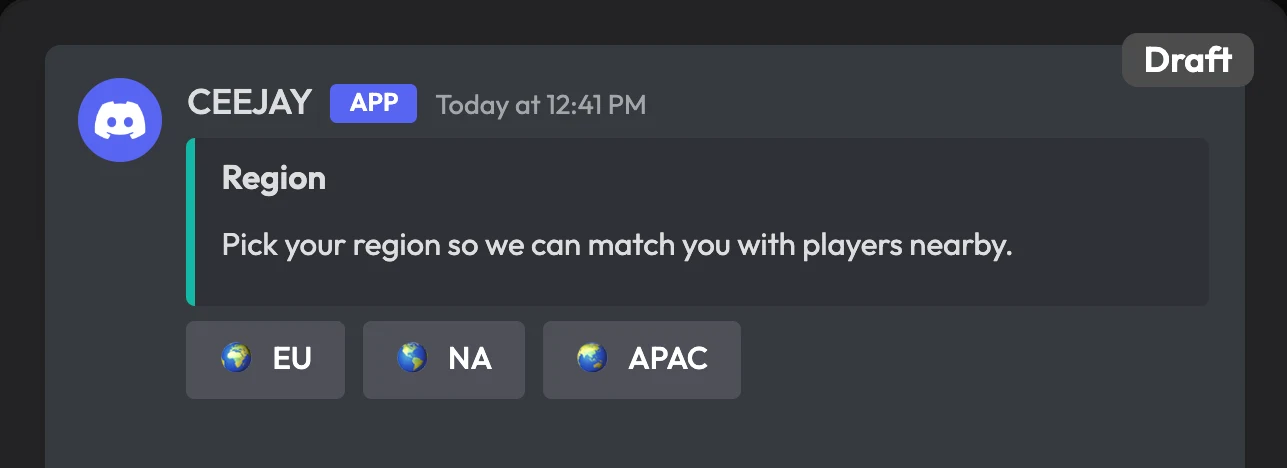
Sort members by platform, region or game
Give every role its own label, emoji and button colour, so members can choose their platform, their region or the games they play.


Reward members for picking a role
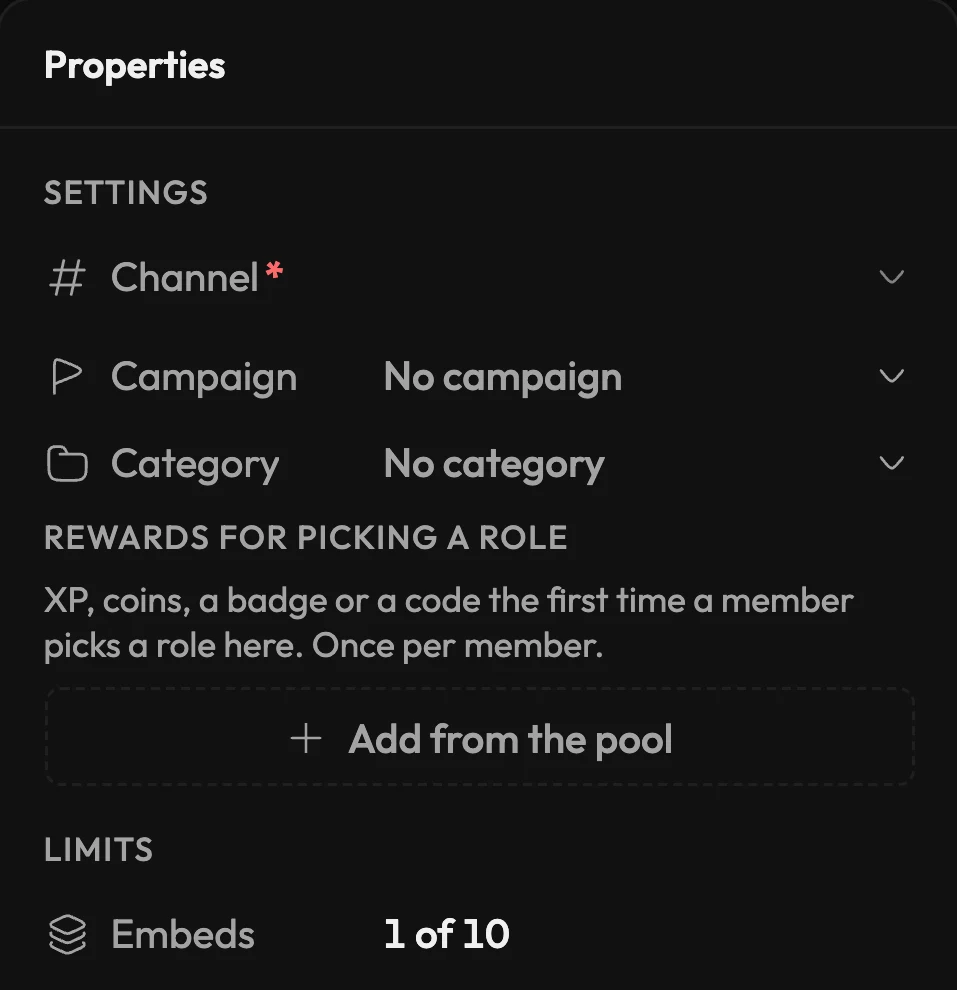
Build the panel with a live preview, choose the role behind each button or dropdown option, and give XP, coins or a badge the first time a member picks a role.
More in Operations

Yes. Members press the same button again to remove the role.
Either works. Choose buttons or a dropdown for each panel, with up to 25 roles on one panel.
Yes. A panel can give XP, coins, a badge or a code the first time a member picks a role, once per member.
Yes. Every plan includes every app. Plans differ by community size, editor seats and AI use.




Get started with CEEJAY
Book a demo of CEEJAY, or get a free launch plan for your server from our team.