Server Insights is Discord's own analytics for Community servers. It shows how many members joined, how many of them talked and how many left, which is enough to see whether a server is growing. It shows totals rather than individual members, and it doesn't show what members talk about or which questions go unanswered.
Who can use Server Insights
Server Insights is for Community servers with at least 500 members, according to Discord's guide to Server Insights. If your server isn't a Community server yet, turn it on in Server Settings > Enable Community. Below 500 members, there are no Insights to read.
You'll find it under Server Insights in your server settings.
What Server Insights shows
Discord describes Server Insights as showing how many members joined recently, how many of them talked and how many left, along with how active the server is. These numbers answer "is the server growing?" They don't answer why, or what to do about it.
The numbers worth tracking
Whatever tool you use, these five numbers give you a clear read on how your server is doing.
- New members who post in their first week. This shows whether your welcome and onboarding work.
- Members still active after four weeks. Retention shows whether members stay once the launch or the giveaway that brought them is over.
- Active members as a share of all members. A big member count with few active members is a quiet server.
- Unanswered questions. Each one is a member who asked for help and didn't get an answer.
- What members are talking about, and how they feel about it. This tells you what to fix first after a patch or an announcement.
Get a plan for your Discord server
Tell us about your community and our team will send you a free plan.
Measure without Server Insights
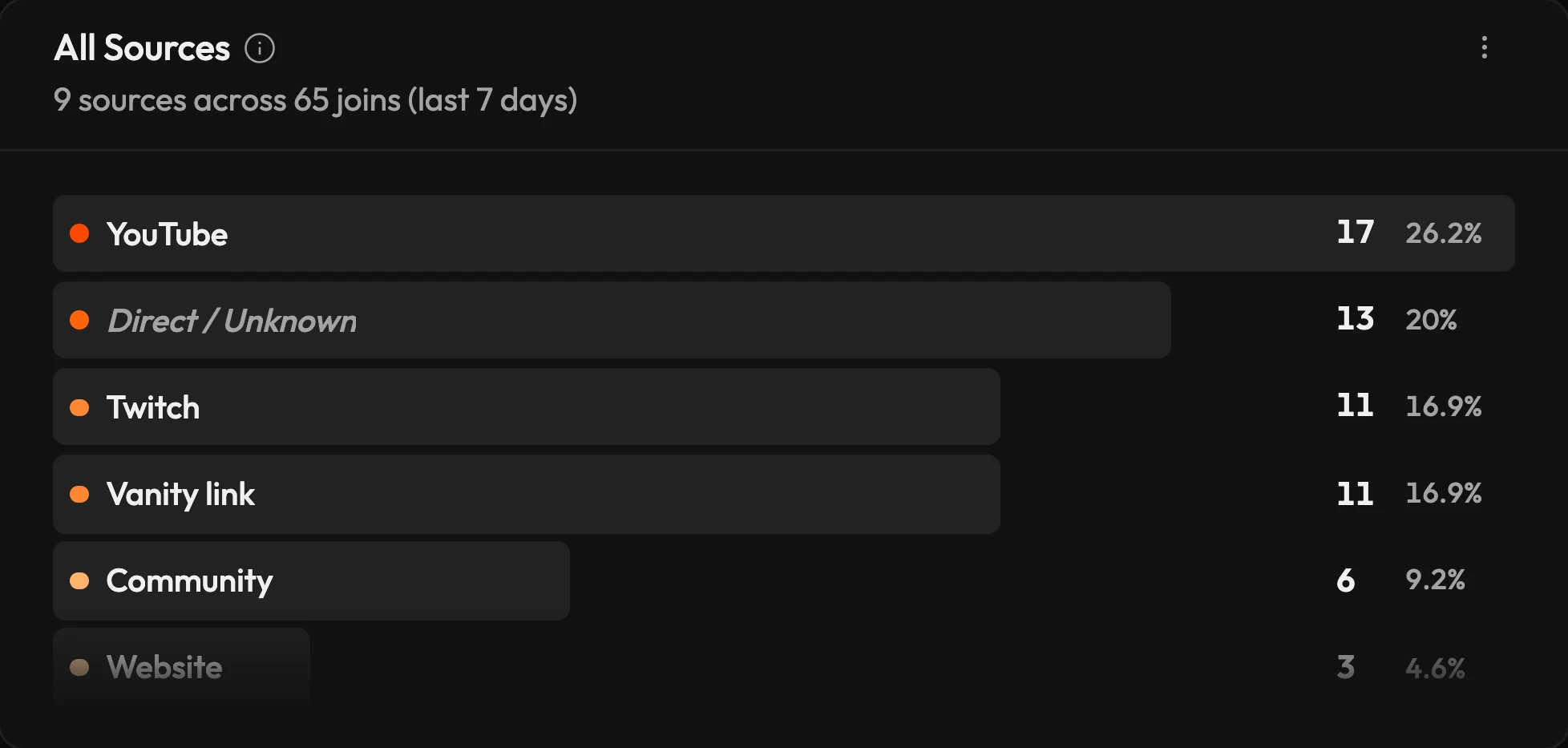
A server under 500 members, or a team that needs more than Insights shows, has a few options.
- Count by hand each week. Note joins, leaves and messages in a spreadsheet. It's manageable for a small server and gets harder as it grows.
- Use an analytics bot. Bots such as Statbot count messages, voice time and members. Our guide to the best Discord bots lists the well-known ones.
- Use an analytics platform. It gives you the numbers above, with reports your team and leadership can both read.
In CEEJAY, growth analytics show where new members come from and whether they stay past their first week, Voice of Community catches problems as the first complaints come in, and reports send leadership a weekly view of what the community is worth.



