Automated reporting software for Discord communities
Send leadership a weekly report on what the community is worth.
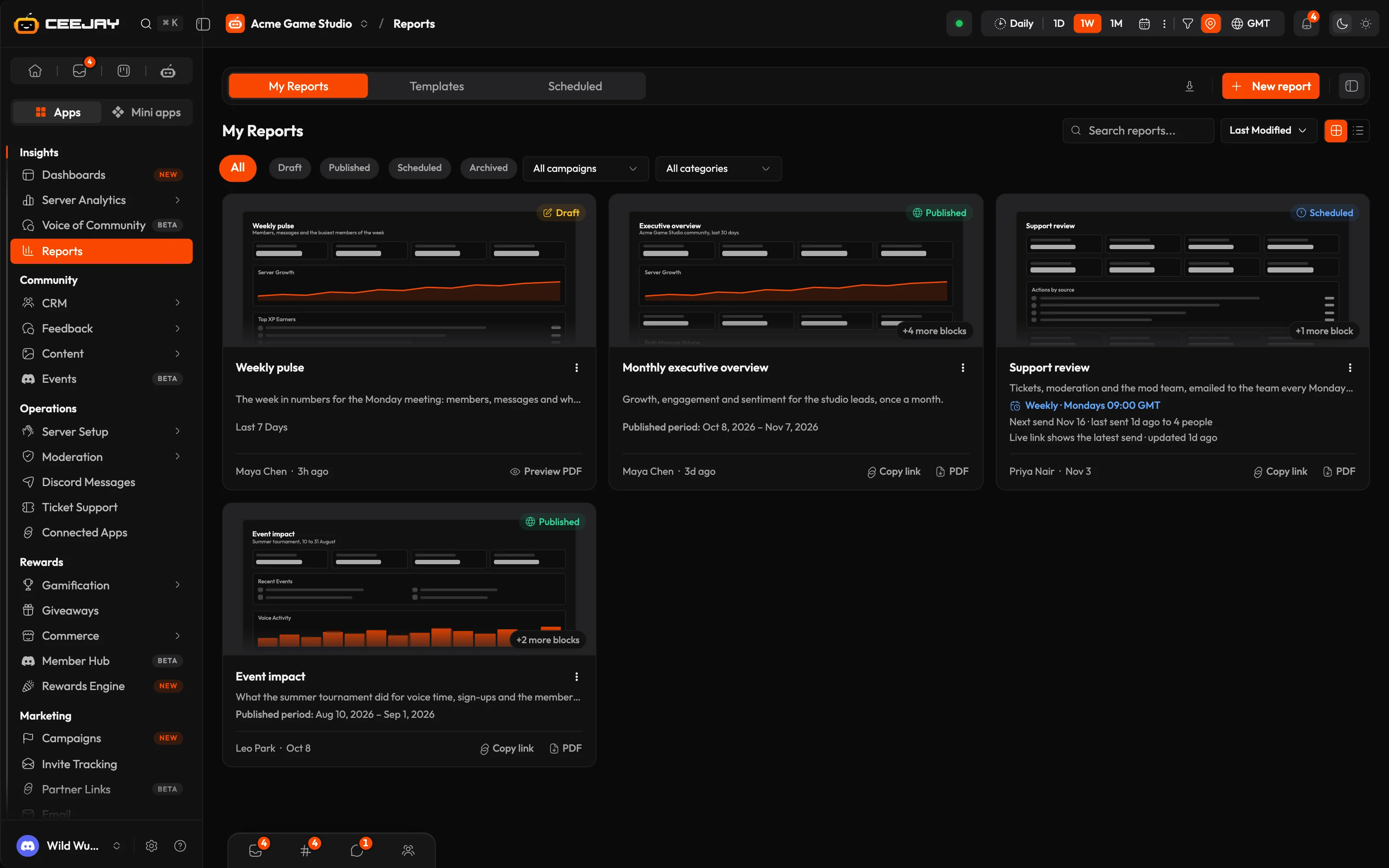


What studios get from reports
Send your publisher a report every week
Schedule a report to email as a PDF on the day and time you choose. A link to the report always shows the latest send.
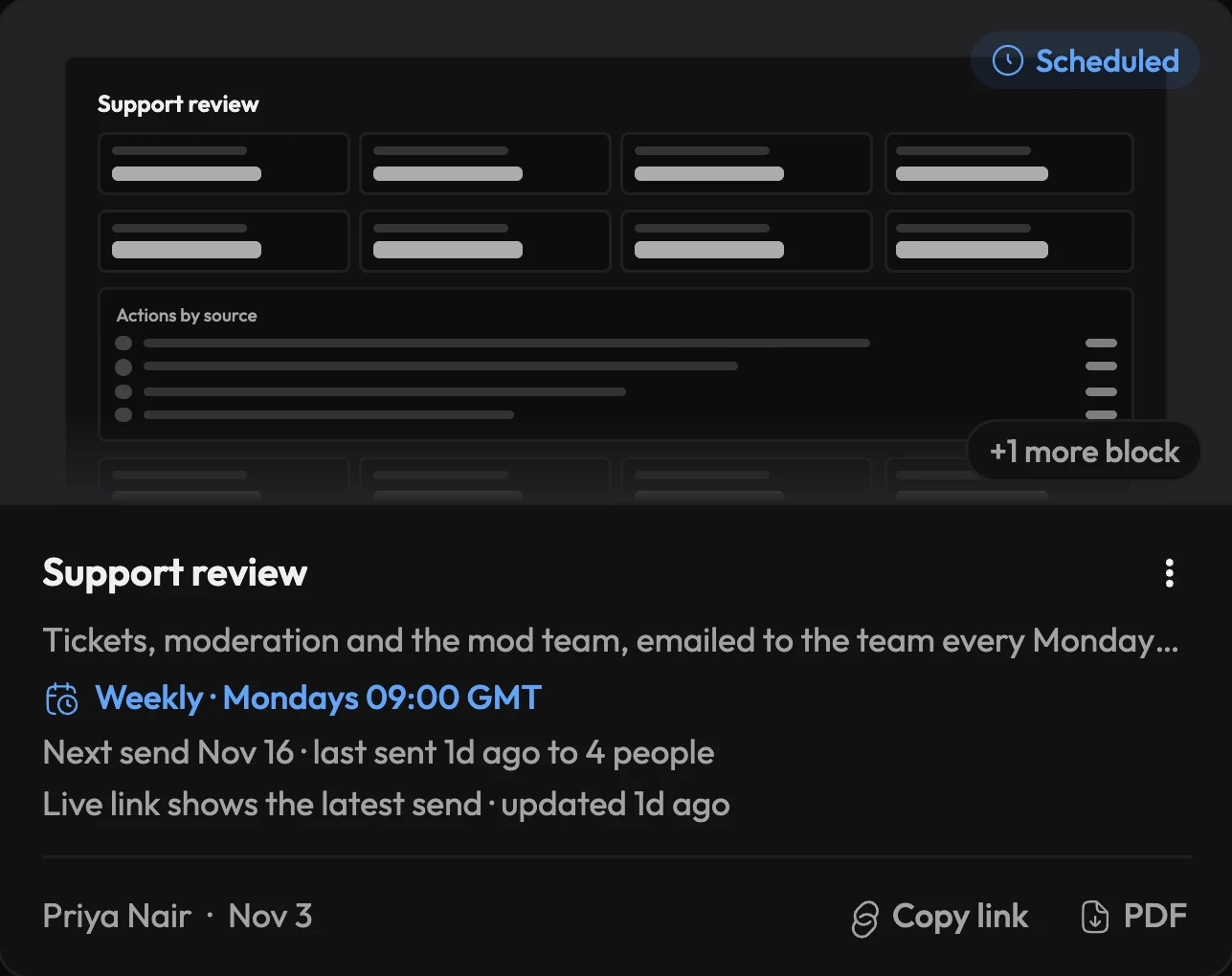

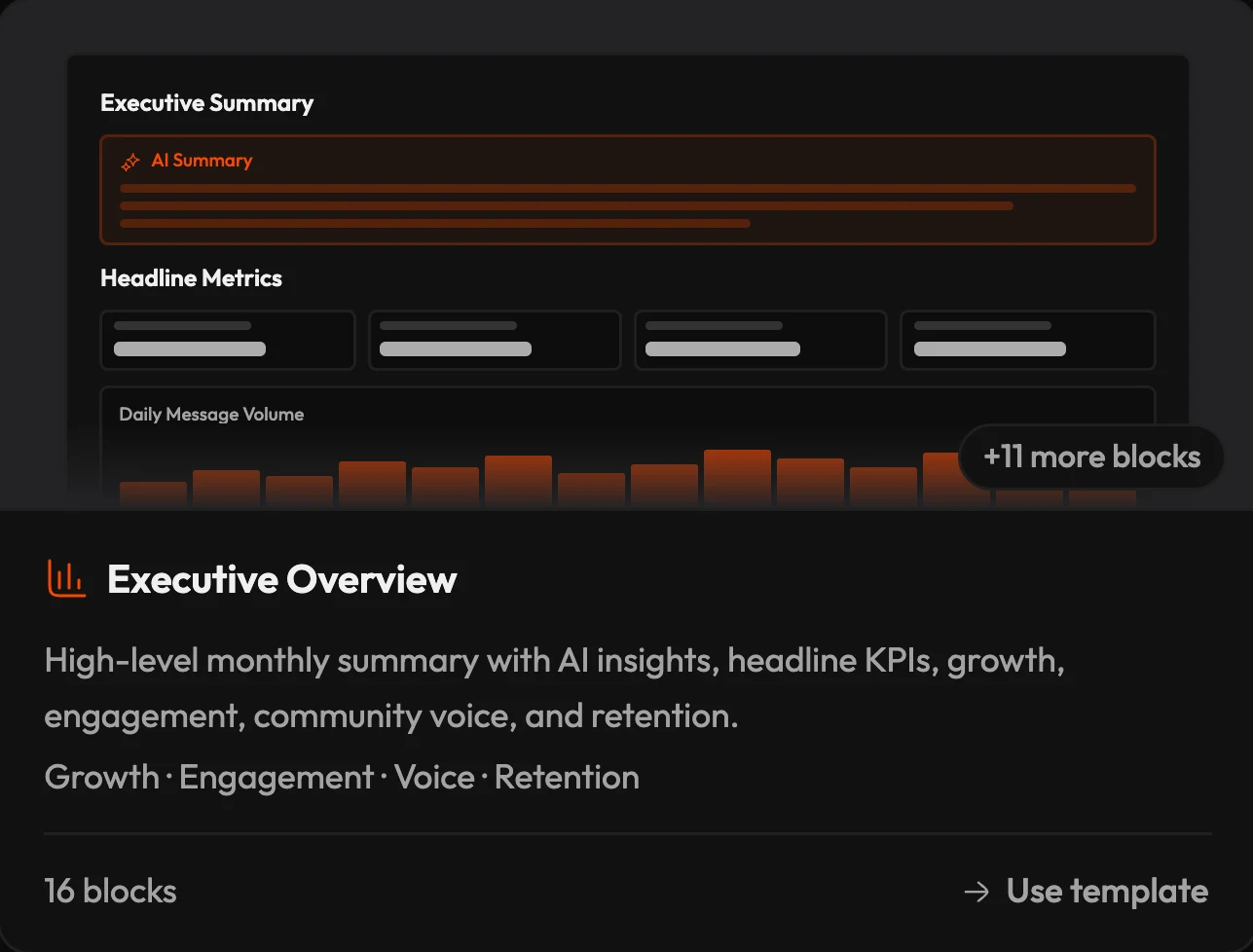
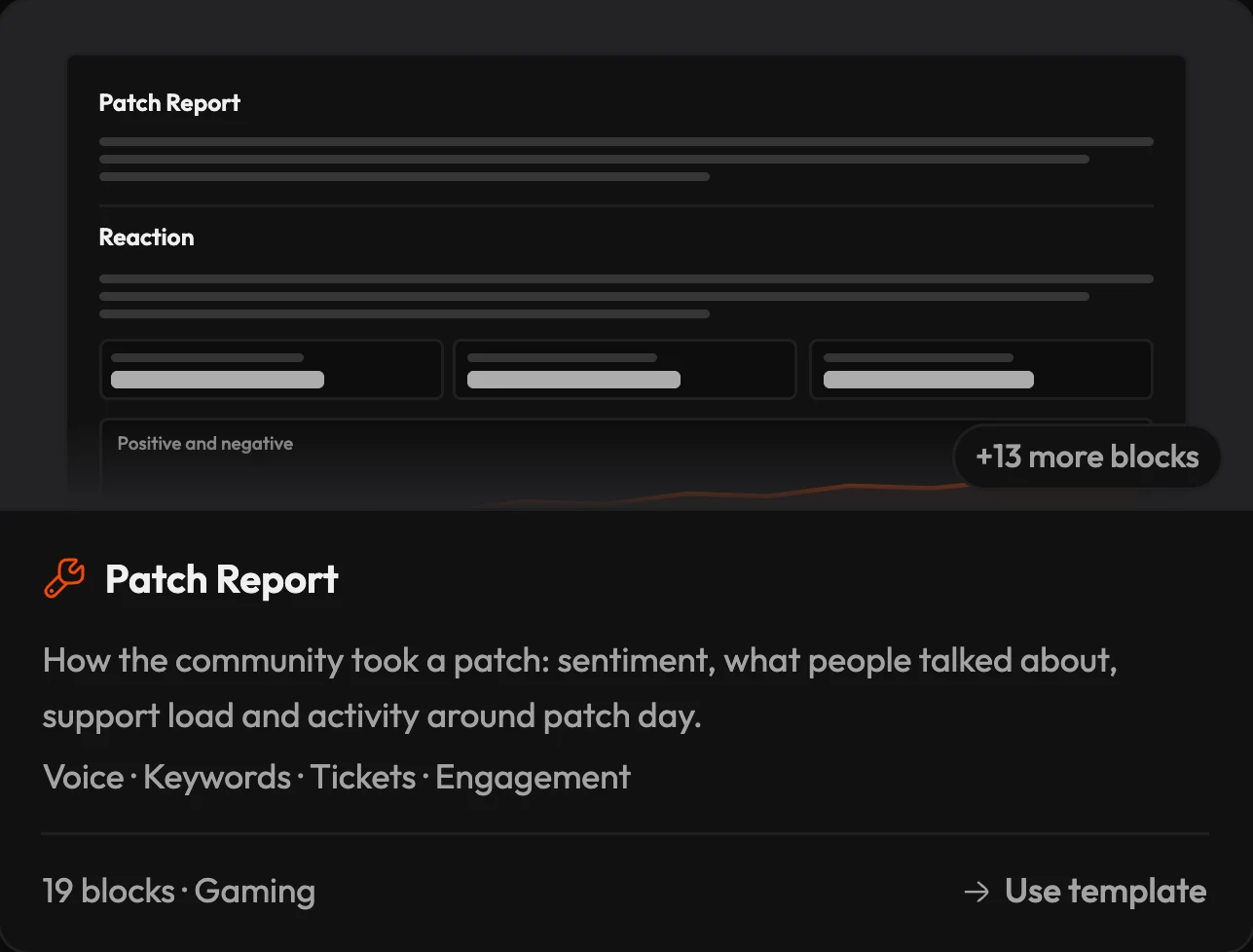
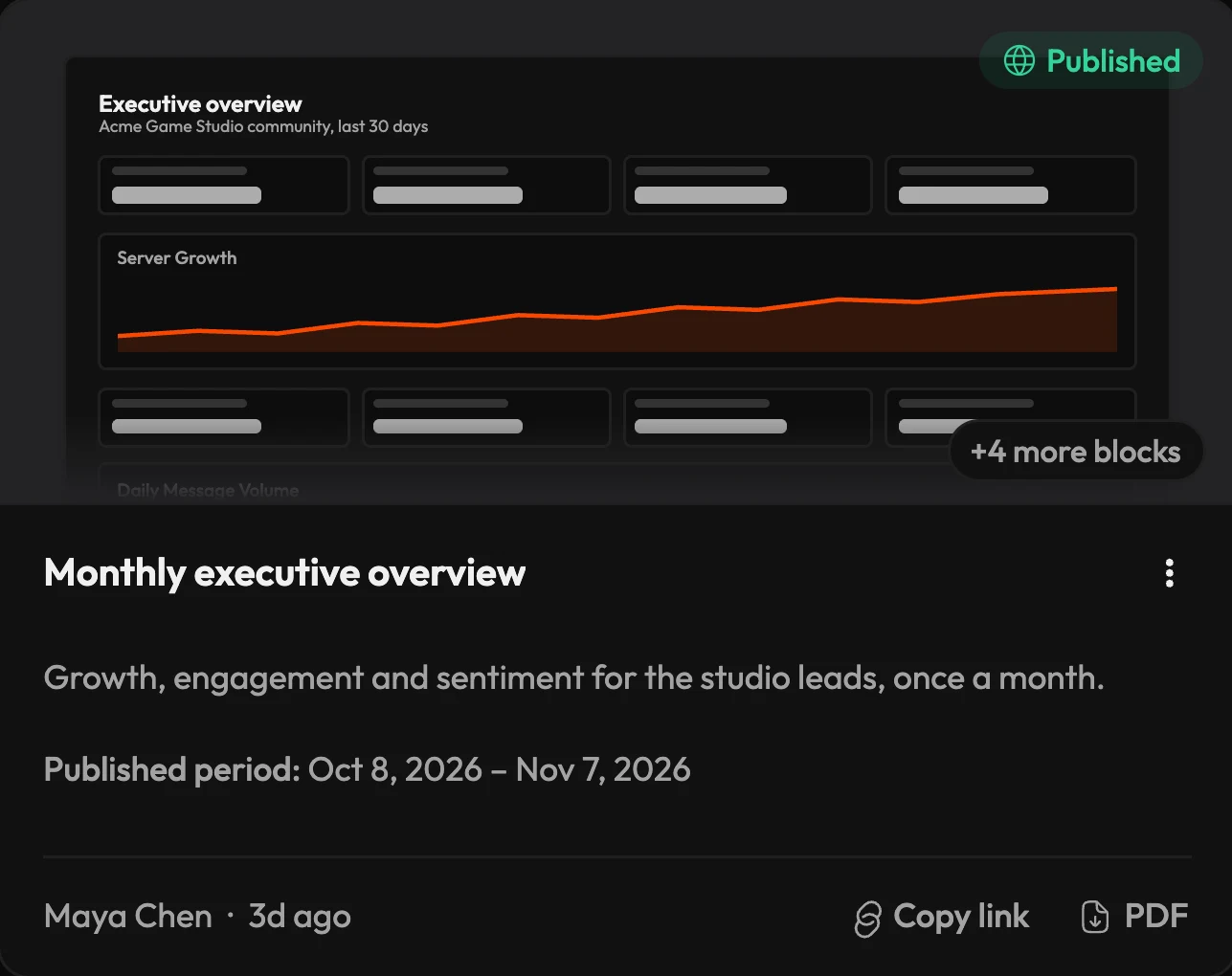
Start from a template, not a blank page
Choose a template such as Executive Overview, Patch Report or Growth Summary, then change any block. Reports can include an AI summary and your own notes.


Share a report as a link or a PDF
Publish a report to get a link, or download it as a PDF. A report can cover one campaign or category, and compare with the previous period.
More in Insights
Dashboards
Give every team its own view of the community, from support to leadership.

Growth & Activation
See where new members come from and whether they stay past their first week.

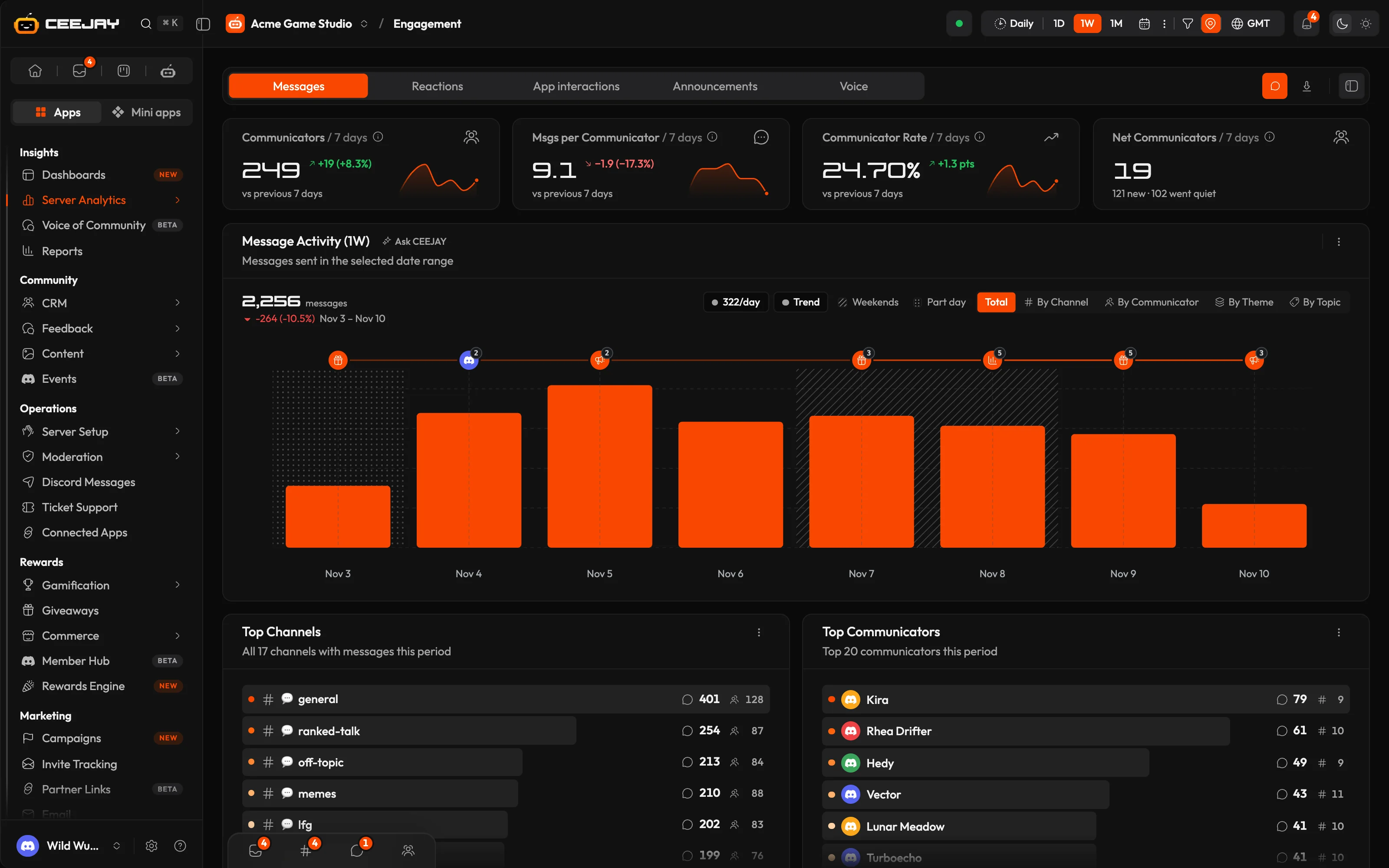
Engagement
See which channels and moments get members talking.
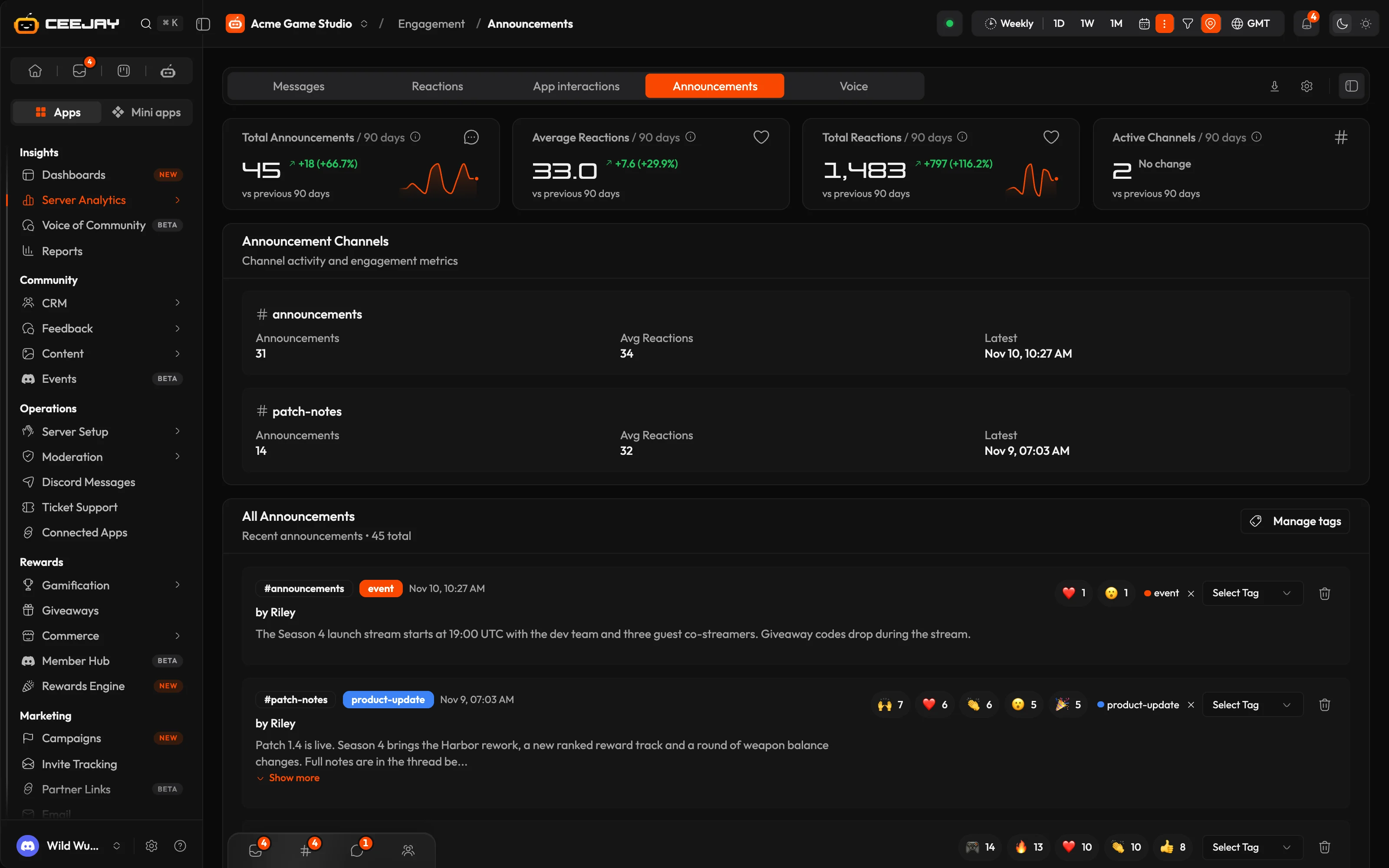
Announcements
See which announcements get the most response, and post more of what works.
Yes. A scheduled report emails a PDF on the day and time you choose, and its link always shows the latest send.
Anyone with the link can open the published version without signing in. Drafts and archived reports have no link.
Yes. Reports can include an AI summary and your own notes next to any numbers from CEEJAY.
No. A published report shows the numbers as they were when you published it. A draft shows live numbers until you publish.
Yes. Every plan includes every app. Plans differ by community size, editor seats and AI use.




Get started with CEEJAY
Book a demo of CEEJAY, or get a free launch plan for your server from our team.