Community dashboards
Give every team its own view of the community, from support to leadership.


What studios get from dashboards
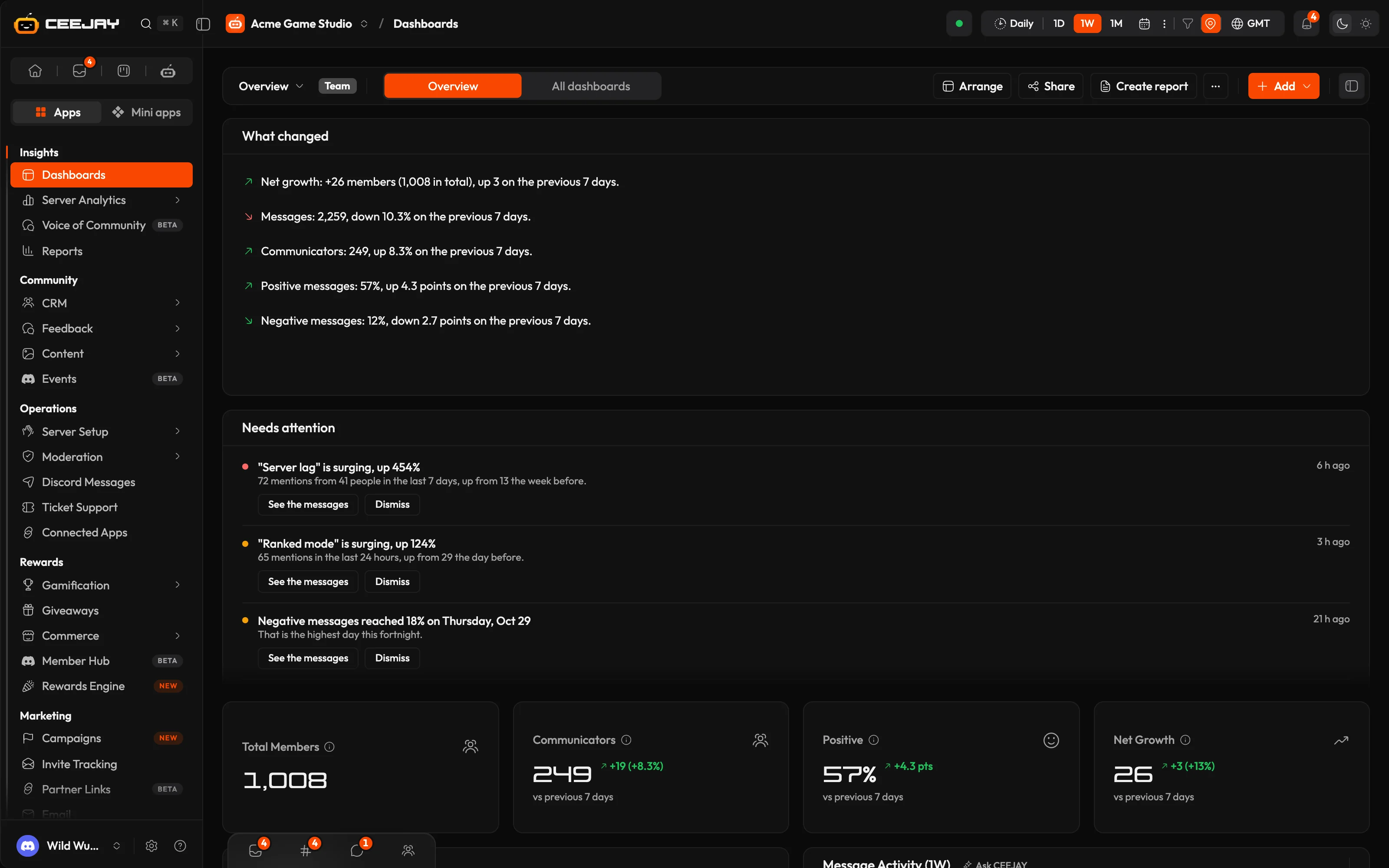
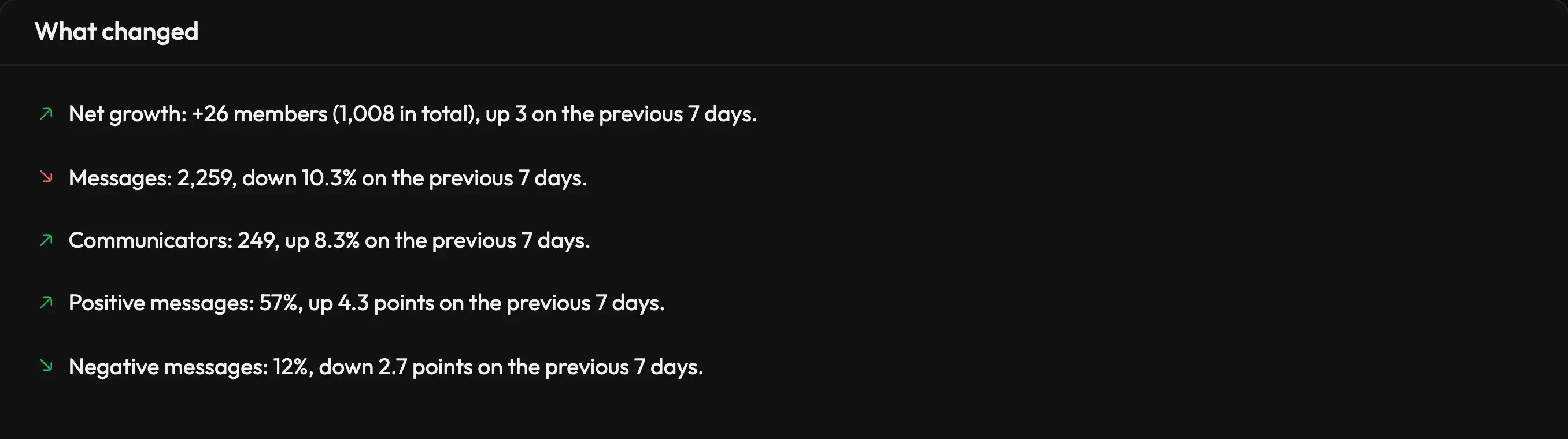
Know what changed since last week
See what changed and what needs attention, such as a surging topic, with a link to the messages behind it.

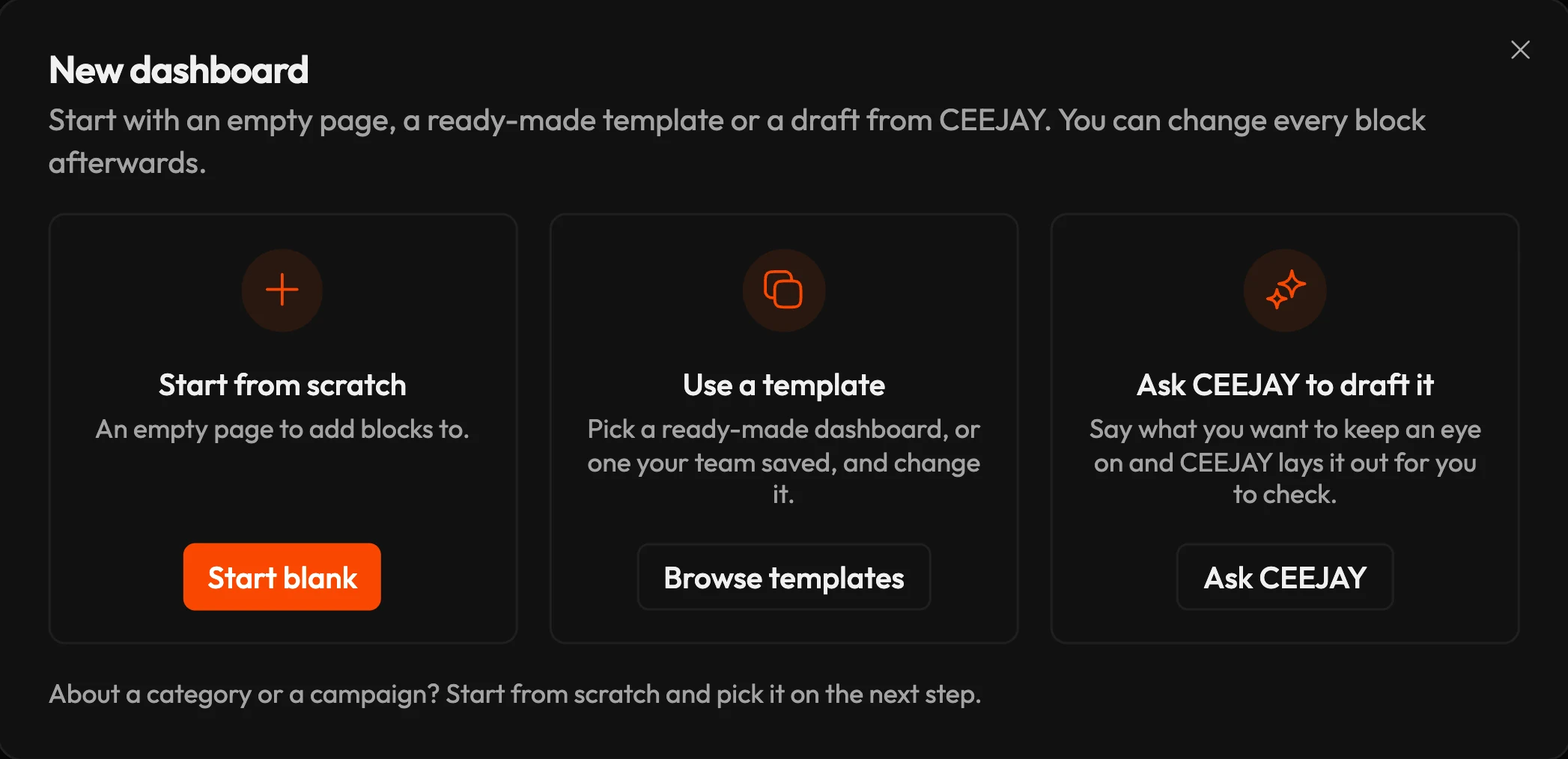
Build a dashboard for launch day
Start from a template for a launch, a patch, a release or an event night, or have CEEJAY draft one from a description. Every block can be changed afterwards.


Give each campaign its own dashboard
Track your Season 4 launch, or any campaign or category, on one dashboard that shows what members did with every giveaway, event, quest and poll linked to it.
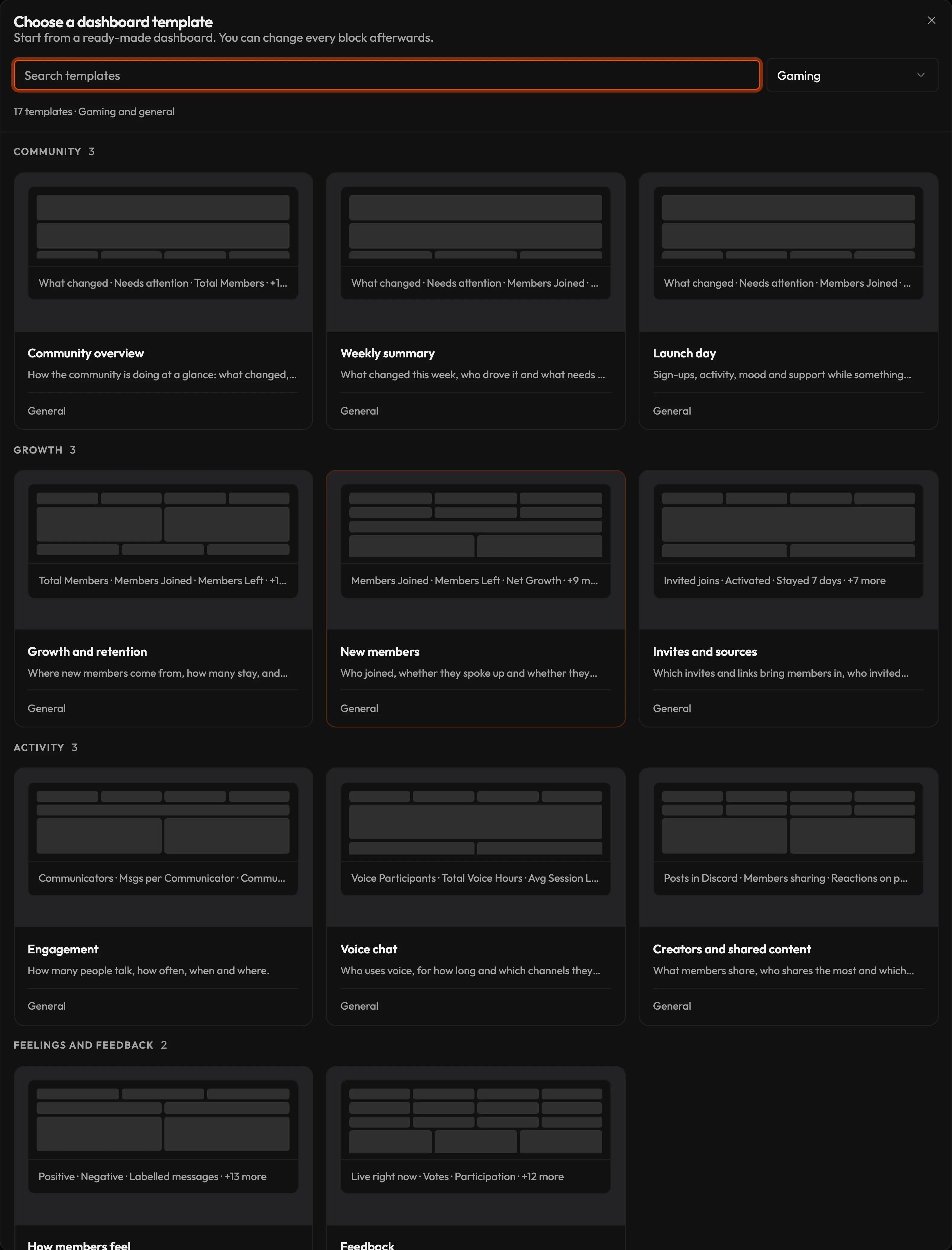
Ready-made dashboards for every kind of community
Start from a ready-made dashboard for a launch, a weekly check-in or a growth review, then customise it.
Community
- Community overview
- Weekly summary
- Launch day
Growth
- Growth and retention
- New members
- Invites and sources
Activity
- Engagement
- Voice chat
- Creators and shared content
Sentiment and feedback
- Member sentiment
- Feedback
Support and safety
- Support desk
- Moderation and safety
Events and rewards
- Event night
- Rewards and economy
Gaming
- Patch day
- What members play
Music
- Release week
- What members listen to
Sports, tech and brands
- Match day
- Product feedback
- Campaign launch
More in Insights
Growth & Activation
See where new members come from and whether they stay past their first week.

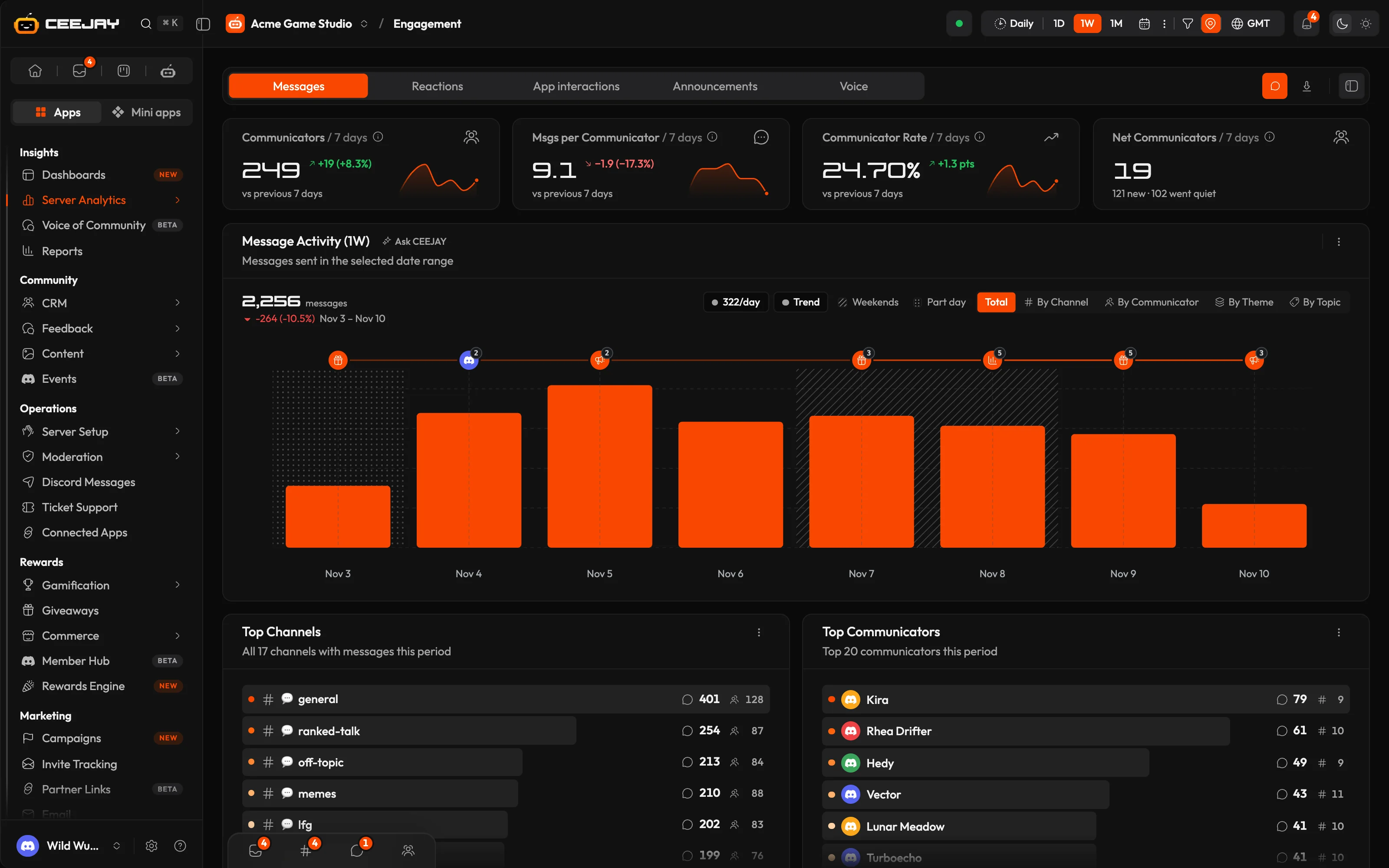
Engagement
See which channels and moments get members talking.
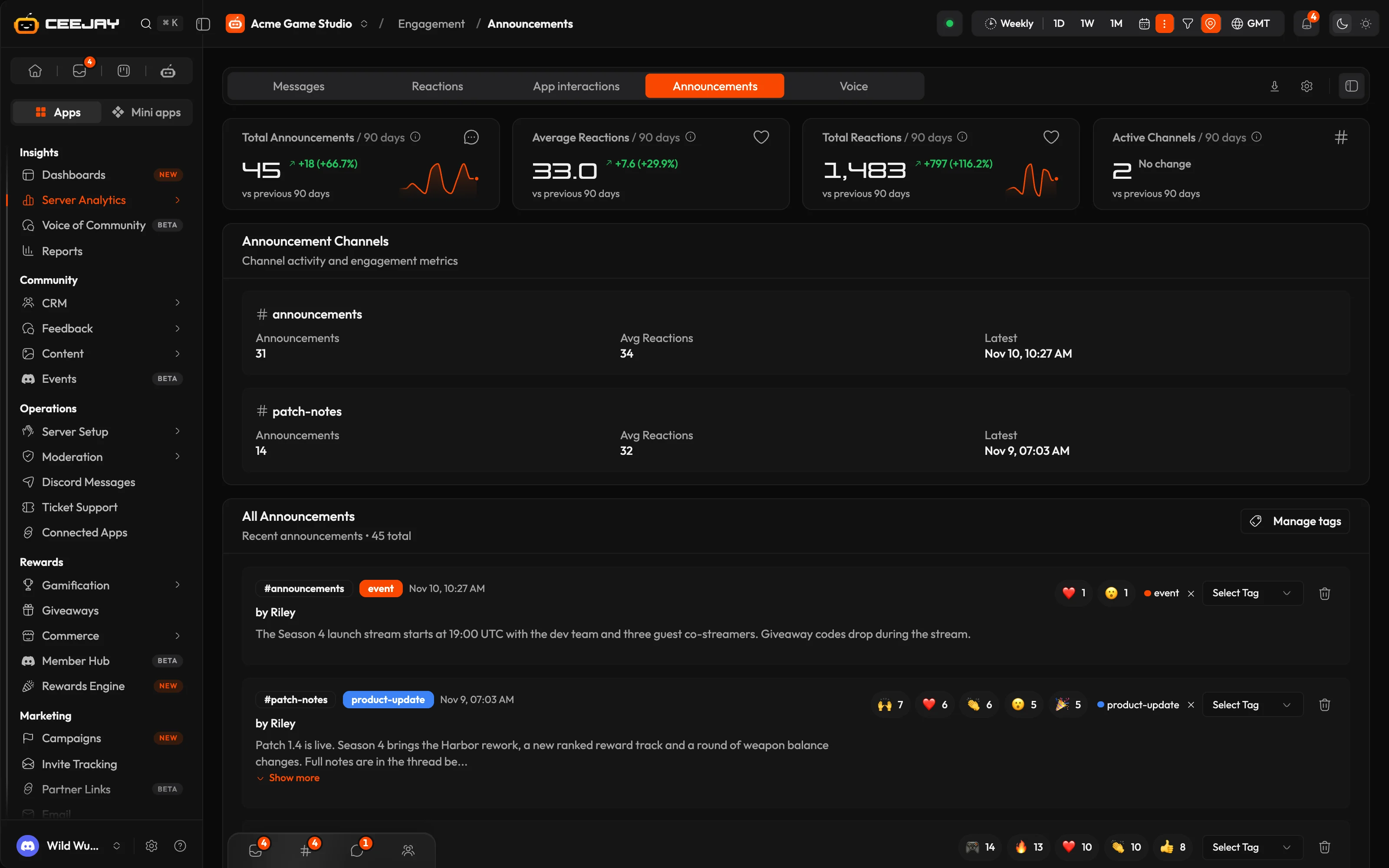
Announcements
See which announcements get the most response, and post more of what works.
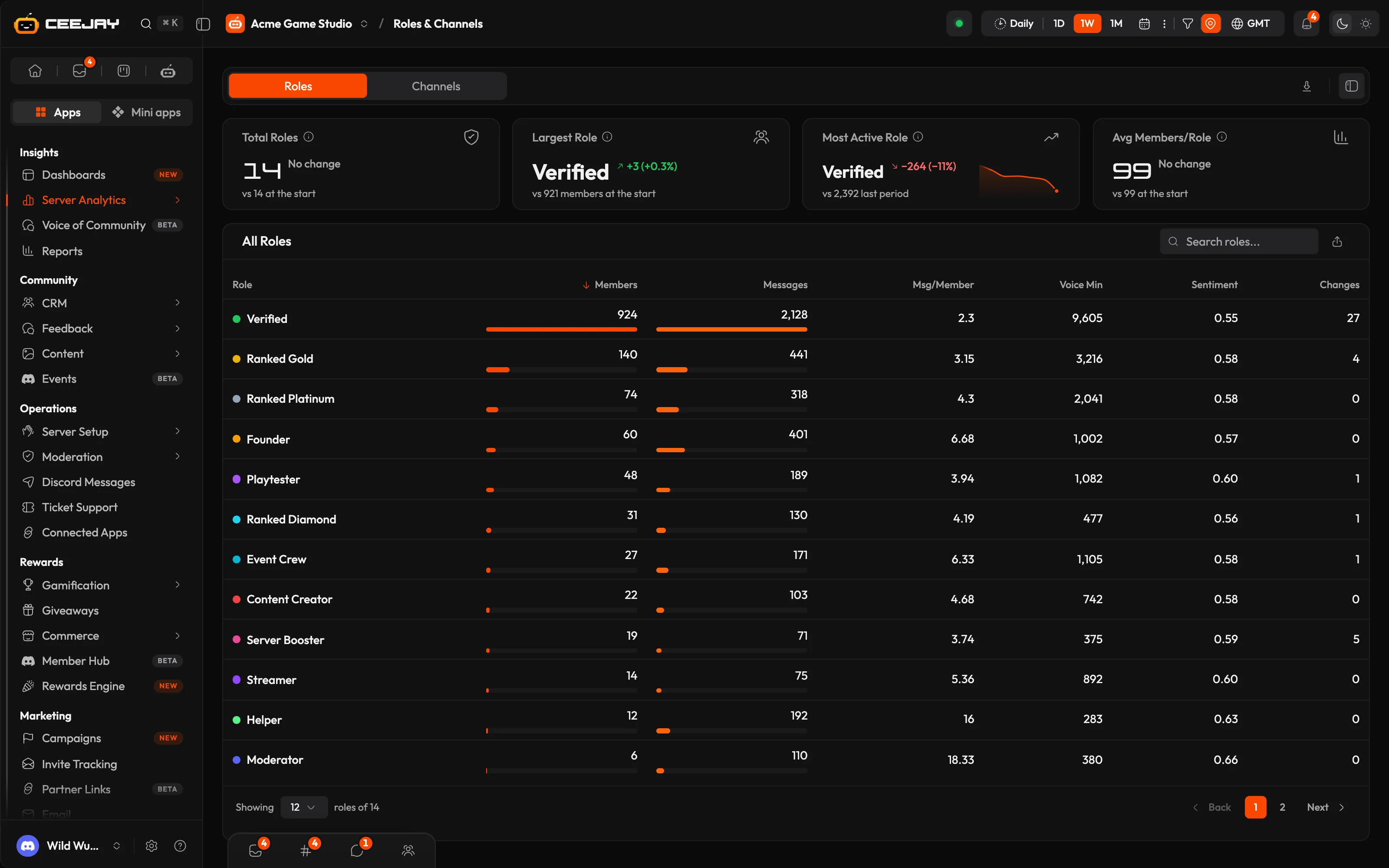
Roles & Channels
See which roles are active and which channels have gone quiet.
Each dashboard is private to you, shared with chosen teammates or shared with your whole team.
Yes. Drag blocks to move them and resize from the corner on a computer. Every change saves automatically and can be undone.
Yes. Create report is in the dashboard's toolbar.
Yes. Describe what you need and CEEJAY drafts a dashboard from the blocks available. You review the draft before it is created and can change any block afterwards.
Yes. Every plan includes every app. Plans differ by community size, editor seats and AI use.




Get started with CEEJAY
Book a demo of CEEJAY, or get a free launch plan for your server from our team.