A closed playtest puts an early build in front of a limited group of players before launch. Your Discord community is a good place to find testers, because they already care about the game. This guide covers the setup, from sign-ups to the thank-you at the end.
1. Decide what you're testing
Write down what you need to learn: stability, balance, onboarding, server load or how much players enjoy a new mode. The goal decides how many testers you need, which platforms, and whether testers can talk about the build in public.
If the build is confidential, prepare short playtest terms or a non-disclosure agreement that testers accept before they get access.
2. Recruit testers
- Announce the playtest in your server and on your socials, with the dates, platforms and what testers will do.
- Ask a few questions with a sign-up form or Discord's server member applications: platform, hours played in similar games, and whether they can join scheduled sessions.
- Pick a mix of testers: long-time members, new members and players from different regions.
3. Give access
On Steam, the Steam Playtest feature runs the test as a separate app with a sign-up button on your game's store page. With limited sign-ups, players request access and you admit them in batches as your server capacity allows. You can also send keys directly.
On Discord, give accepted testers a playtest role. The role opens private channels only testers can see:
- #playtest-announcements for builds, session times and known issues
- #playtest-feedback as a forum, one post per topic
- #playtest-bugs as a forum with a bug report template
- A voice channel for live sessions with your team
Get a plan for your Discord server
Tell us about your community and our team will send you a free plan.
4. Collect feedback
- Run scheduled sessions where your team plays with testers and listens in voice.
- Ask for bug reports in a set format. Our guide on turning Discord bug reports into GitHub or Jira issues includes a template.
- Send a short survey at the end of each week. Our guide on how to run a survey on Discord includes a playtest survey.
5. Close the playtest
Tell testers when the test ends and what happens next. Post a summary of what you learned and what you'll change. Give testers something to keep, such as a role, a badge in your server or their name in the credits.
Playtests in CEEJAY
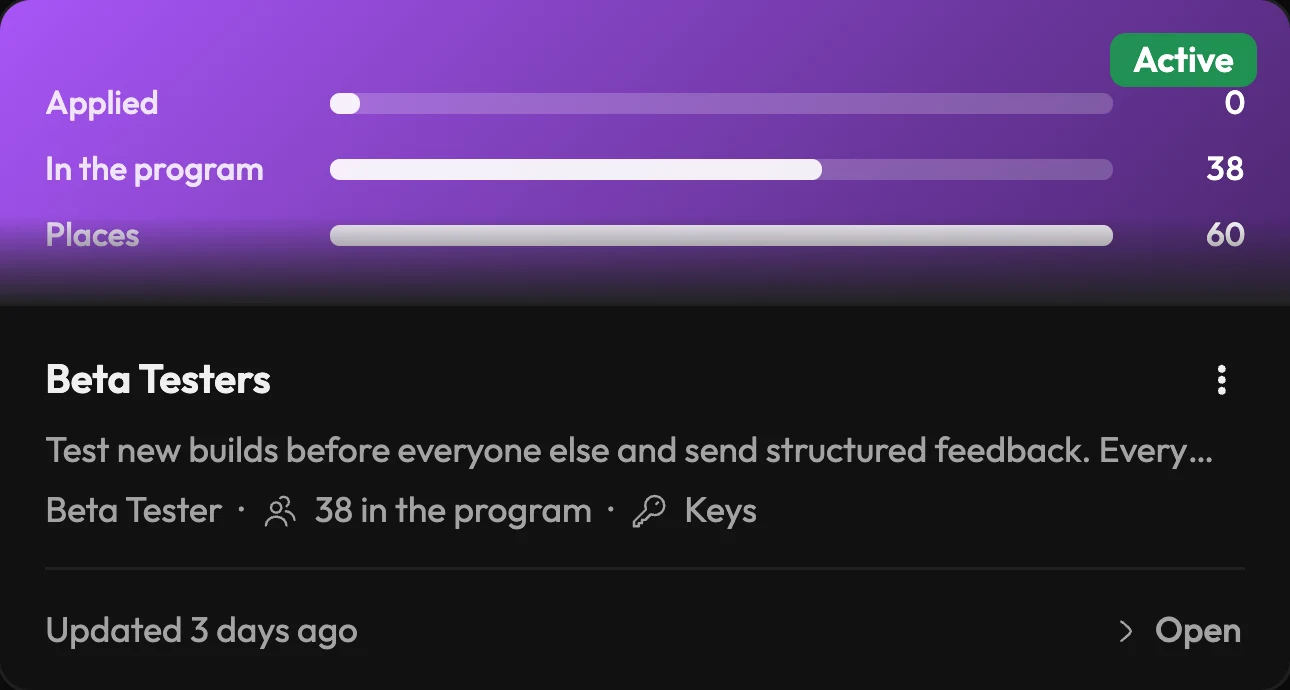
With Programs in CEEJAY, members apply to your playtest in Discord, and accepted testers get their role, channels and key, with your playtest terms to accept first. Forms collect feedback inside Discord, and Voice of Community shows what testers are talking about.



