AI assistant for Discord community management
Ask questions about your community and get clear answers with charts.
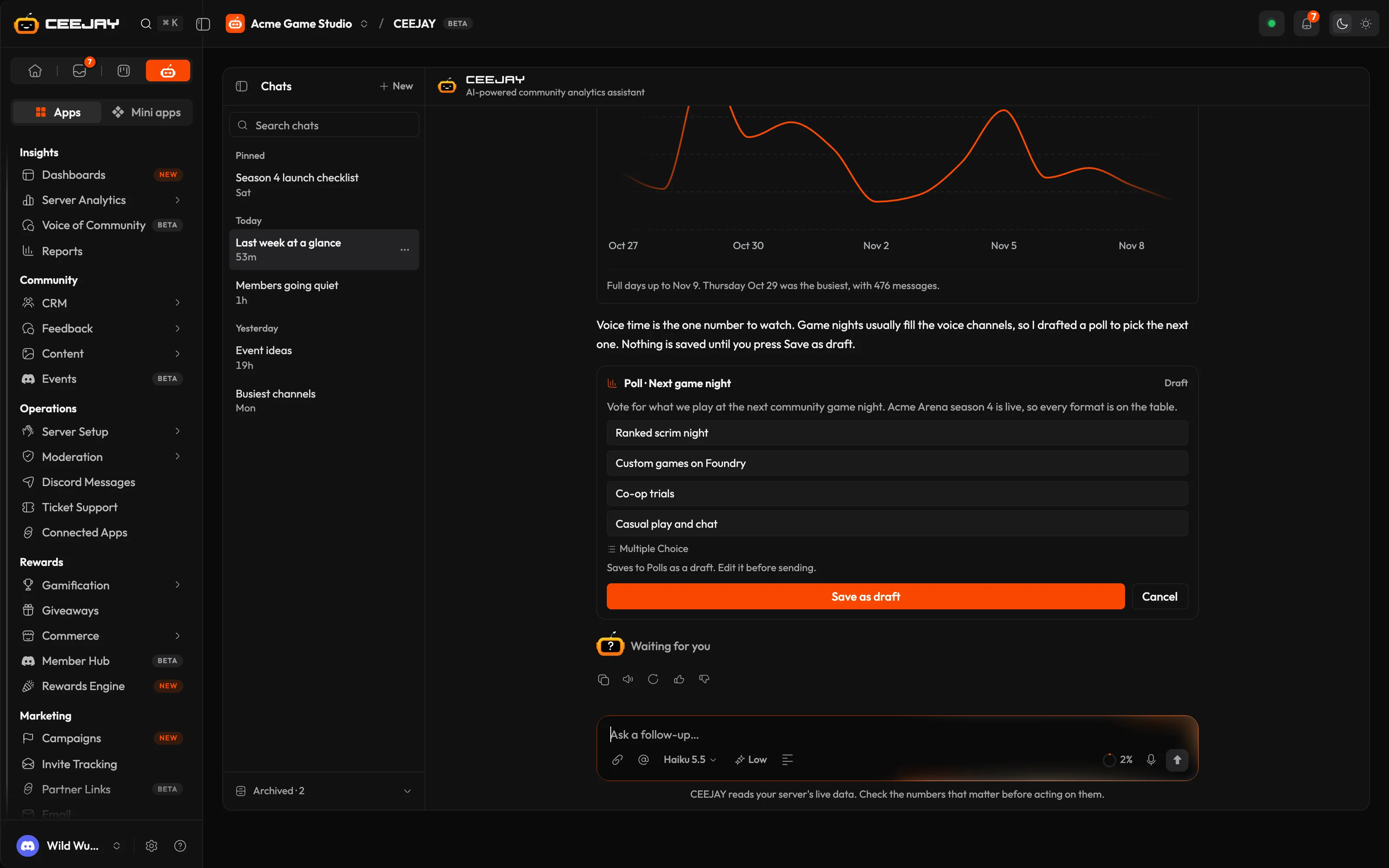


What CEEJAY AI does for your team
Get answers about your community in seconds
Ask how this week compares with last week, which channels have gone quiet or what members are talking about, and get the numbers with a chart.
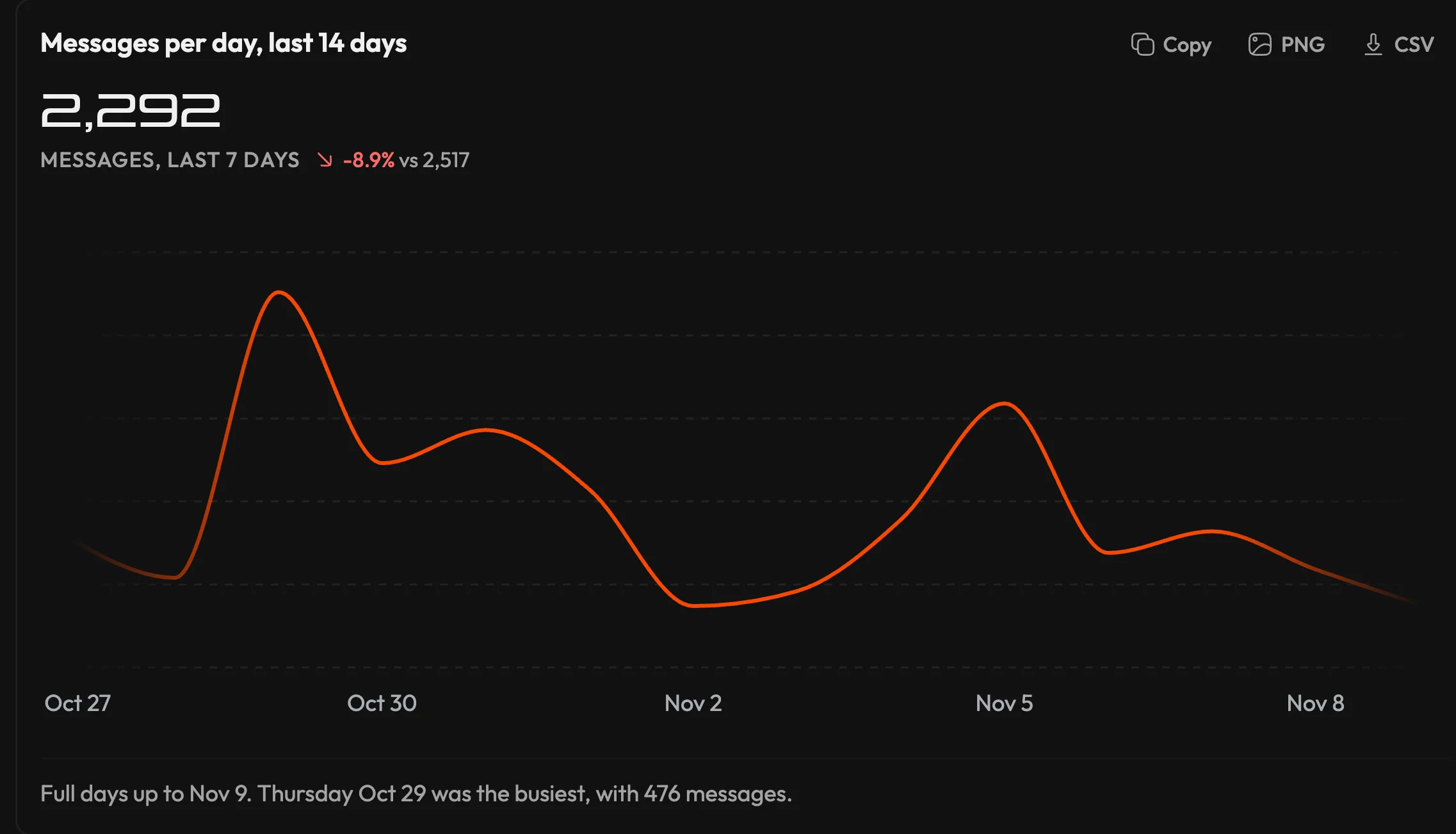

Find the members who have gone quiet
Ask who stopped posting, who your most active members are or which topics are growing. You get a list of members to follow up with, ranked by how active they were before.
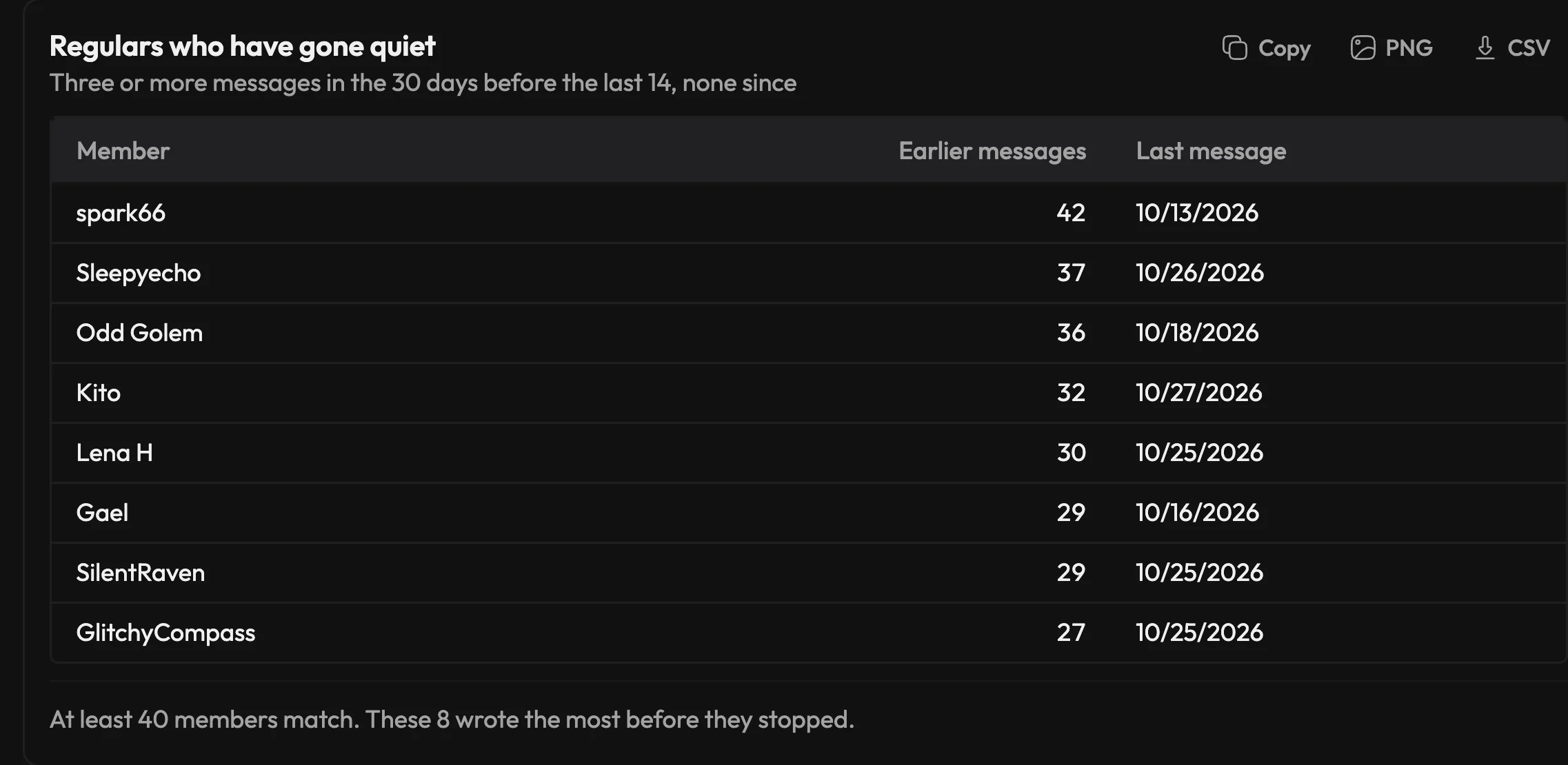
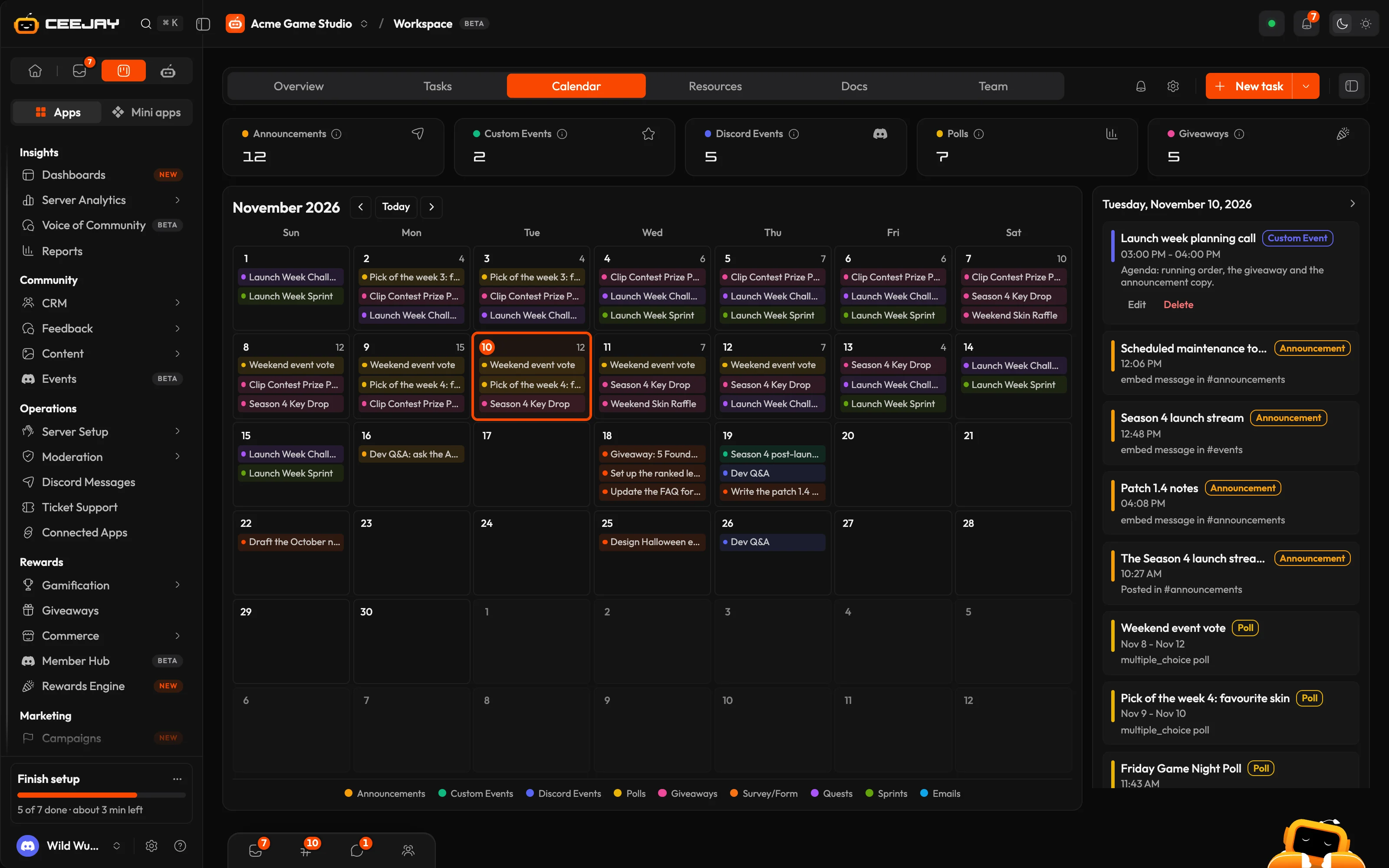
Draft a poll, giveaway or event in a sentence
Describe the poll, giveaway or event you have in mind and CEEJAY AI writes it up as a draft card. Review the preview, then save it as a draft or create it with one click.
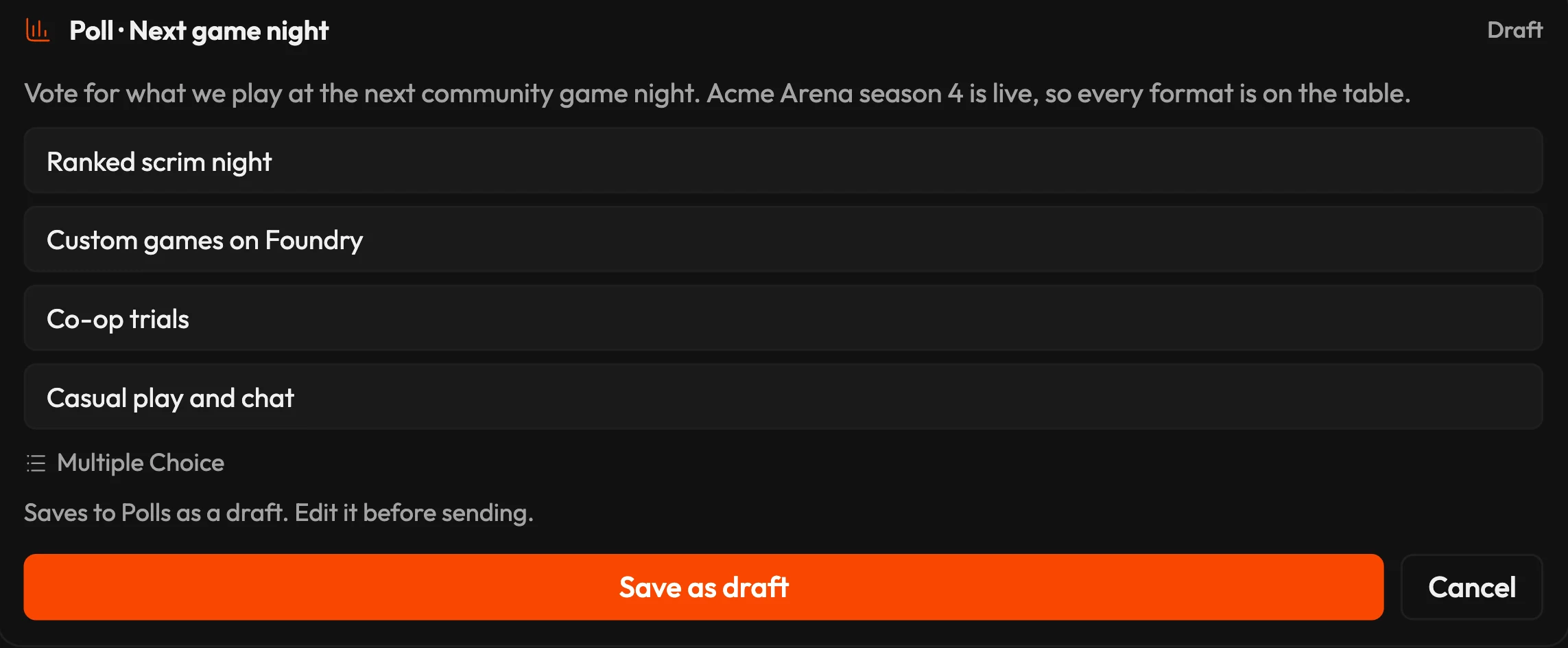

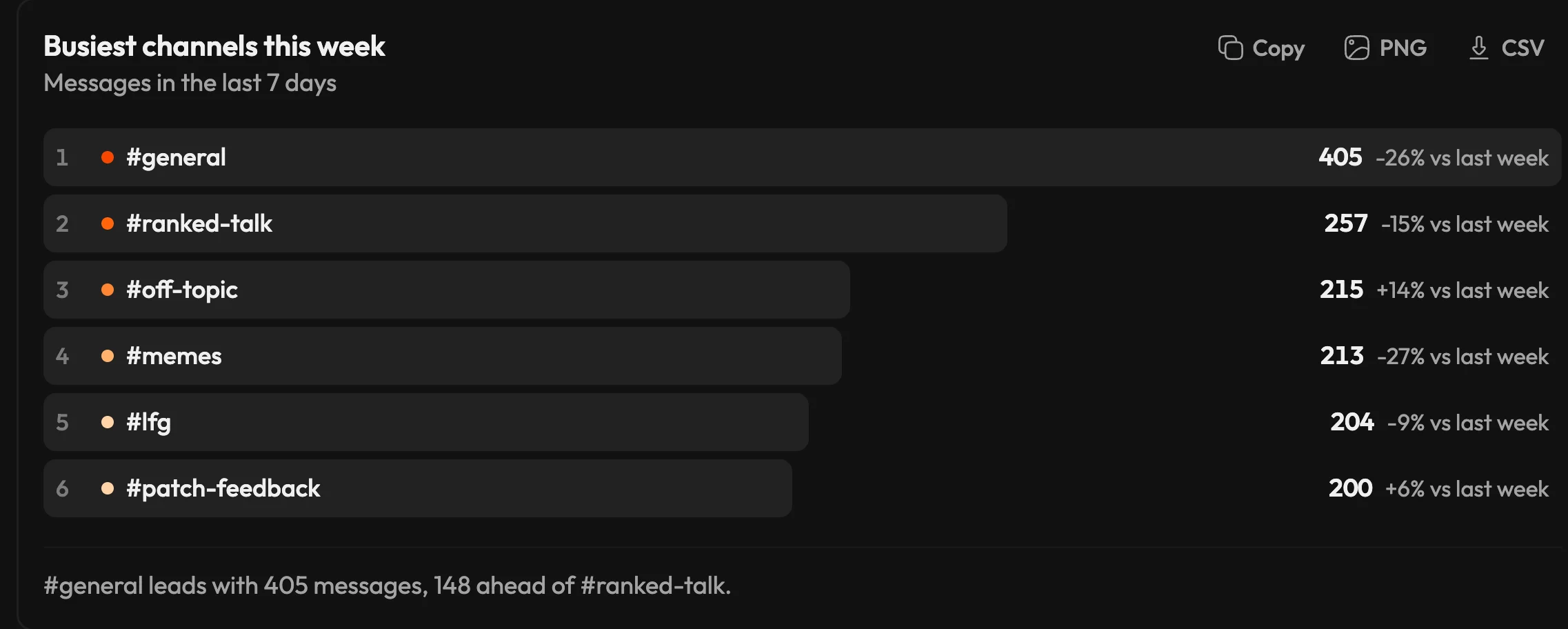
See which channels are busiest
Ask for your busiest channels, most active members or biggest topics, and see how each has changed since last week.

What CEEJAY AI can read and draft
CEEJAY AI has read-only access to the community you have selected. Everything it creates is a draft for your team to review.
What it reads
- Members and what they do
- Messages
- Voice time
- Invites
- Tickets
- Polls and giveaways
- Events and forms
- Quests and automations
- Reports
- Topics and sentiment from Voice of Community
- Your knowledge base
- Files you attach
What it drafts
- Poll
- Giveaway
- React roles panel
- Message
- Scheduled message
- Ticket panel
- Event
- Quest
- Shop item
- Invite link
- Form
- Upvote category
- Dashboard
Answer formats
- Charts
- Tables
- Key figures
- Leaderboards
- A written summary
Starter questions
- Weekly health check
- What's slipping?
- Members going quiet

It has read-only access. It cannot delete anything, post in Discord or message a member, and what it drafts is only created when someone on your team presses the button on its card.
It answers with Claude models from Anthropic: Haiku 5.5 for quick lookups and Sonnet 5.5 for most questions and reports. What it reads to answer you is sent to Anthropic to write the answer.
No. Your chats are private, and teammates cannot see them.
Yes. Every plan includes every app. Plans differ by community size, editor seats and AI use.




Get started with CEEJAY
Book a demo of CEEJAY, or get a free launch plan for your server from our team.