Team inbox for Discord
Answer your members from CEEJAY without switching apps.
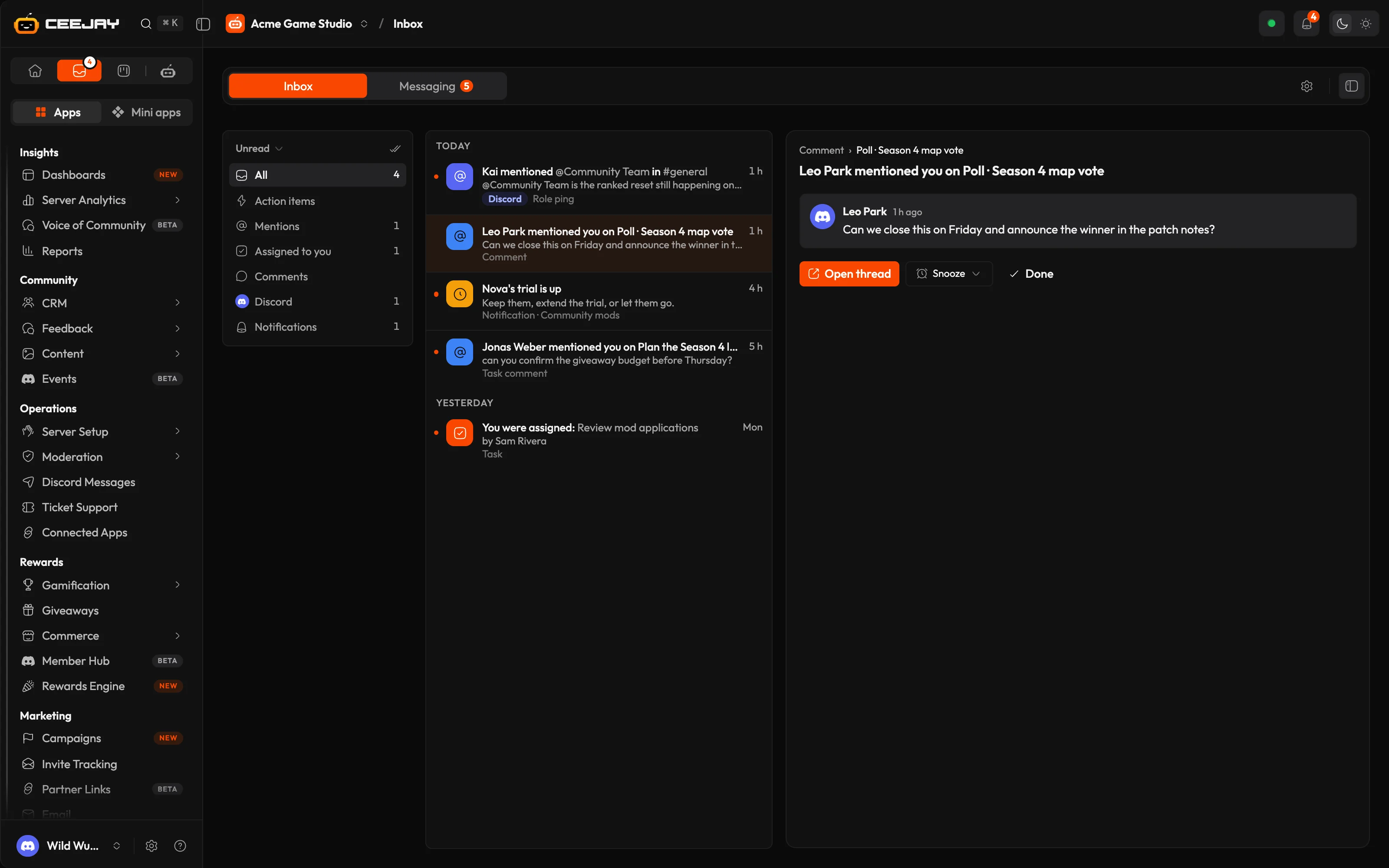


What teams get from the inbox
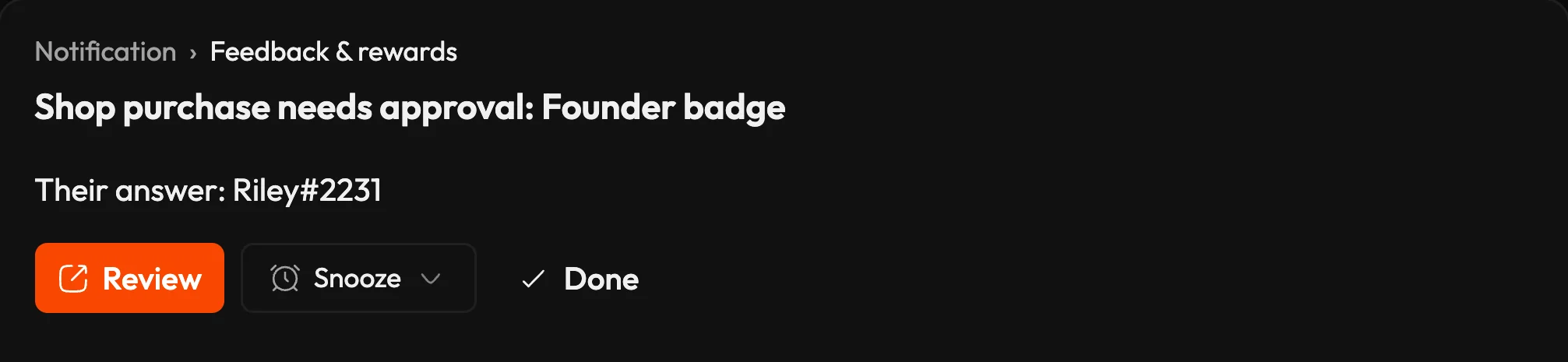
Fulfil shop purchases as members make them
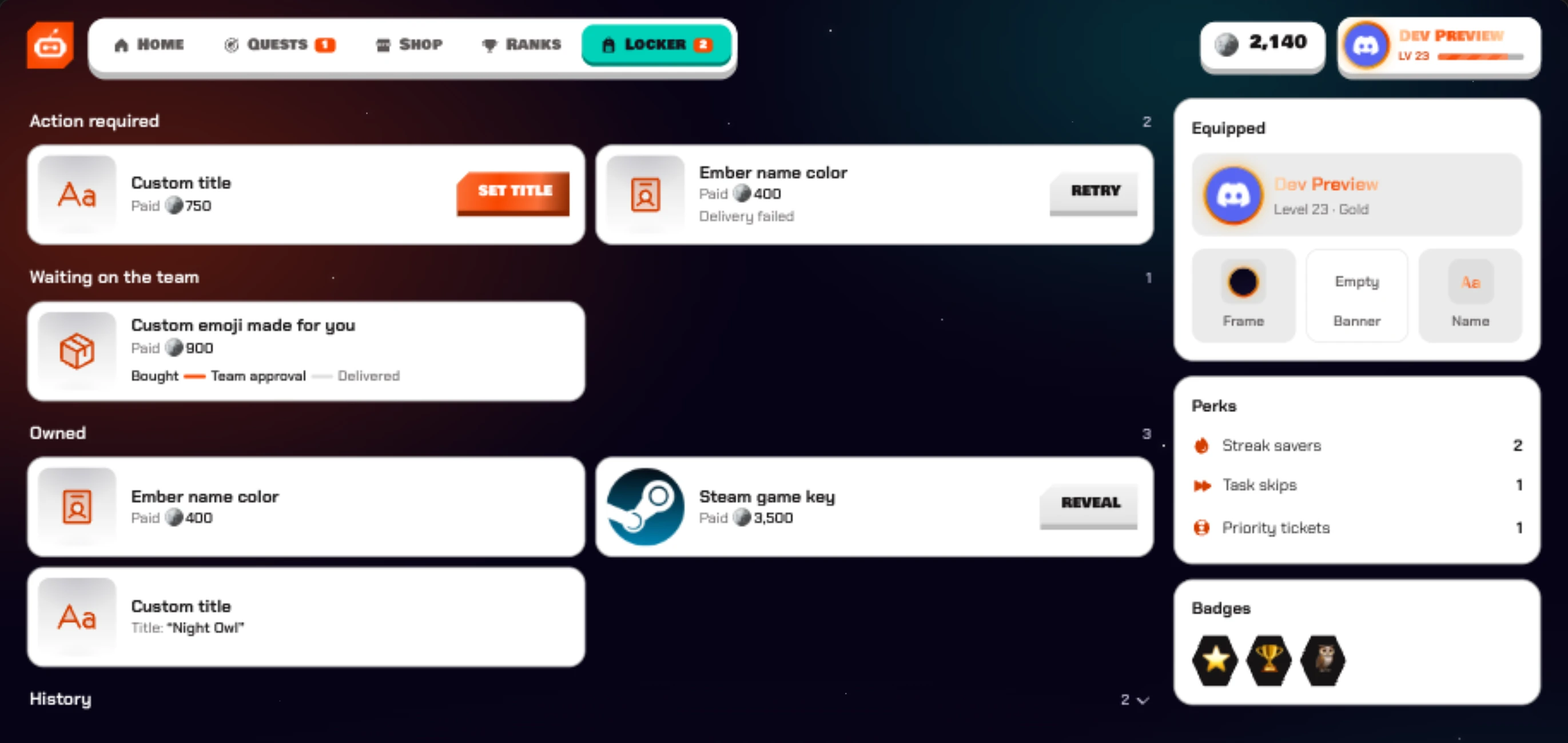
When a member buys an item your team fulfils, in Discord or in the Member Hub, it appears in your inbox with their answer, ready to review. Until you fulfil it, the member sees it waiting in their locker.


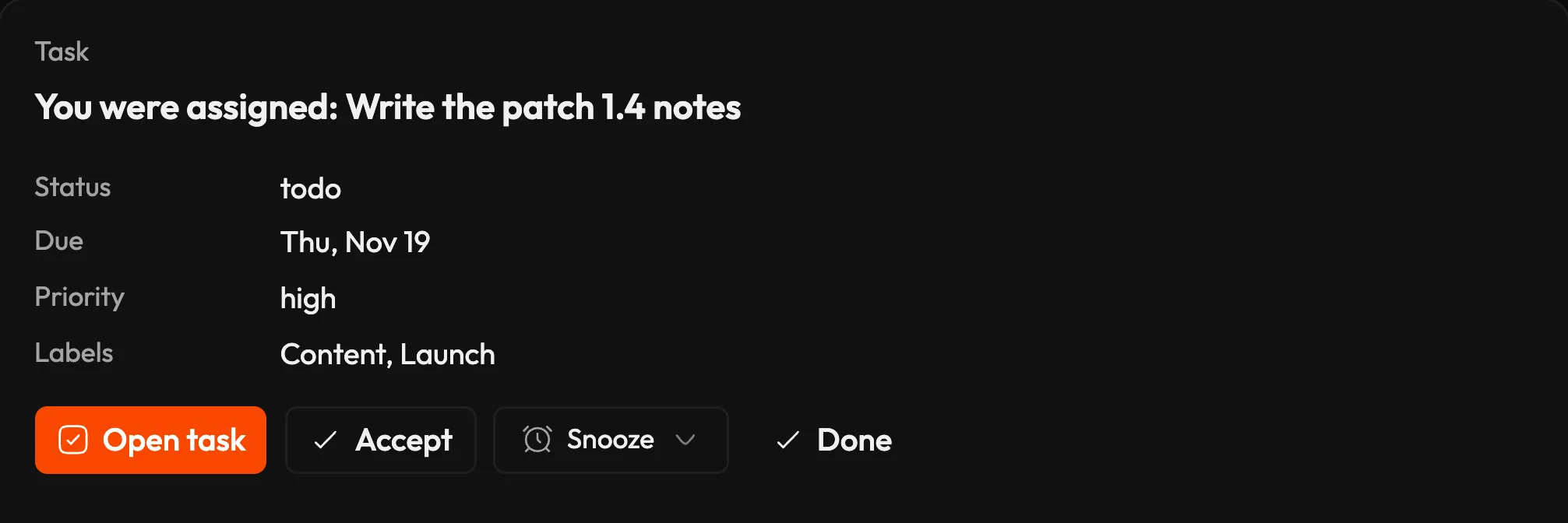
Take a task from your inbox to done
Tasks assigned to you appear with their status, due date and priority. Accept one to move it to In progress, snooze it for later or mark it done.
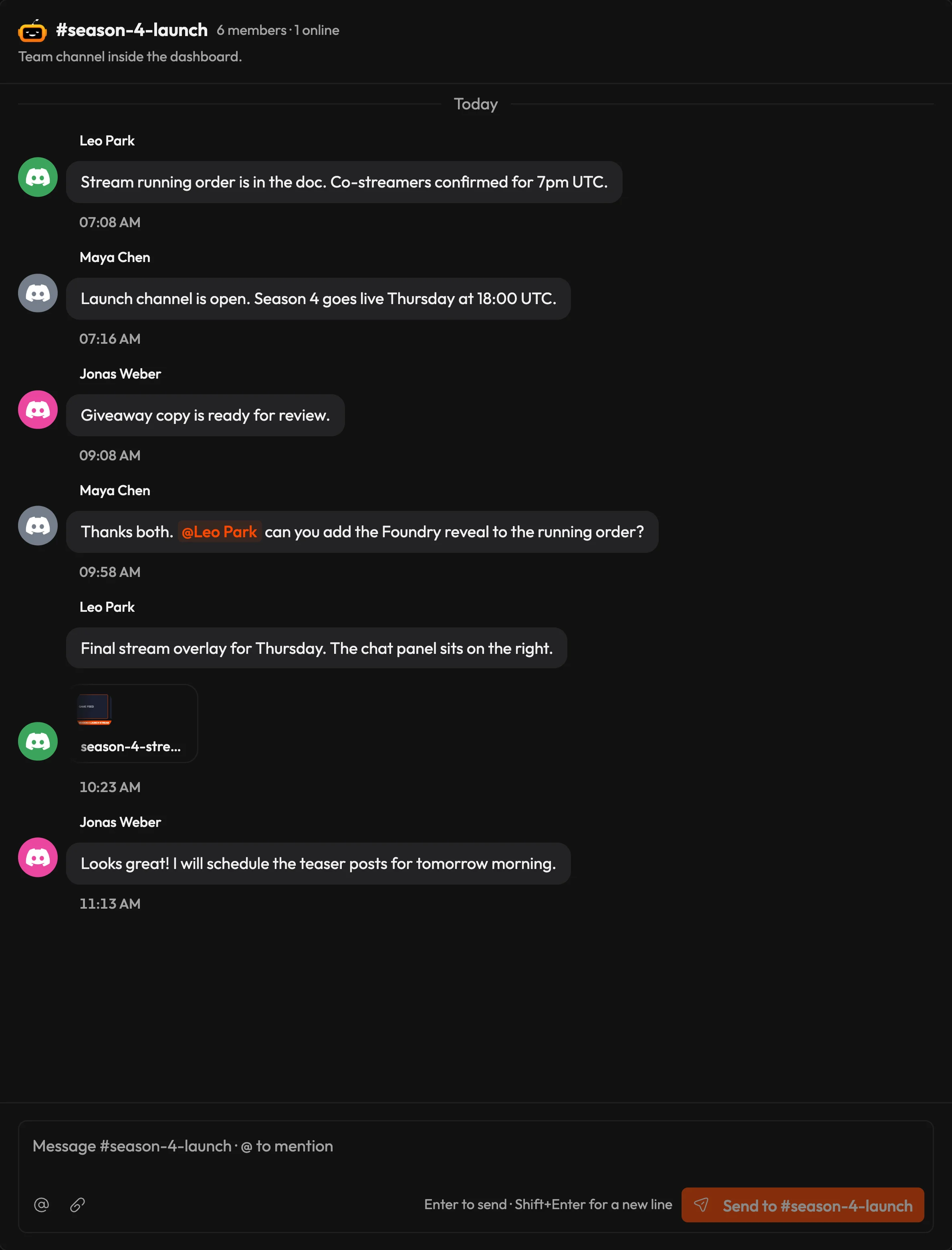
Chat with your team where the work happens
Messaging gives your team channels and direct messages inside the dashboard, next to the tasks and alerts you are working through. Mention a teammate and they are notified in their inbox.


Things CEEJAY flags for your team's attention, such as tickets waiting over a day, purchases waiting for approval and overdue tasks. When one person closes an item, it closes for the whole team.
Everyone with a login to your dashboard, such as the owner, admins and invited team members, each with their own inbox. A team member sees only the pages the team has given them.
No. You can open a Discord ping in Discord, turn it into a task or assign it to a teammate. You can reply to comments and mentions from teammates inside CEEJAY.
Yes. Which alerts reach you is set per person on the Notifications tab of Your account.
Yes. Every plan includes every app. Plans differ by community size, editor seats and AI use.




Get started with CEEJAY
Book a demo of CEEJAY, or get a free launch plan for your server from our team.