Discord audit log
See every change in your server and in CEEJAY, and who made it.
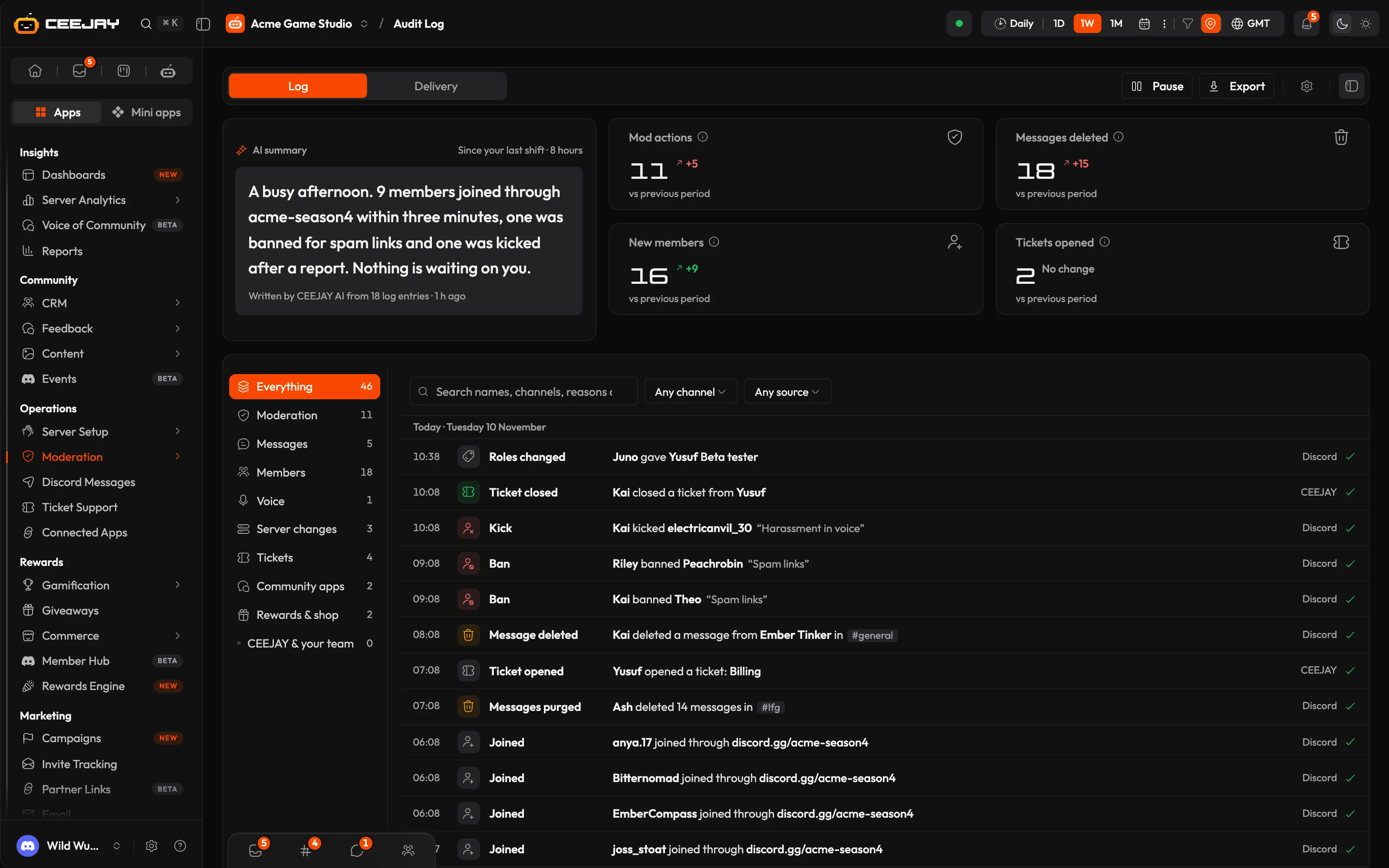


What studios get from the audit log
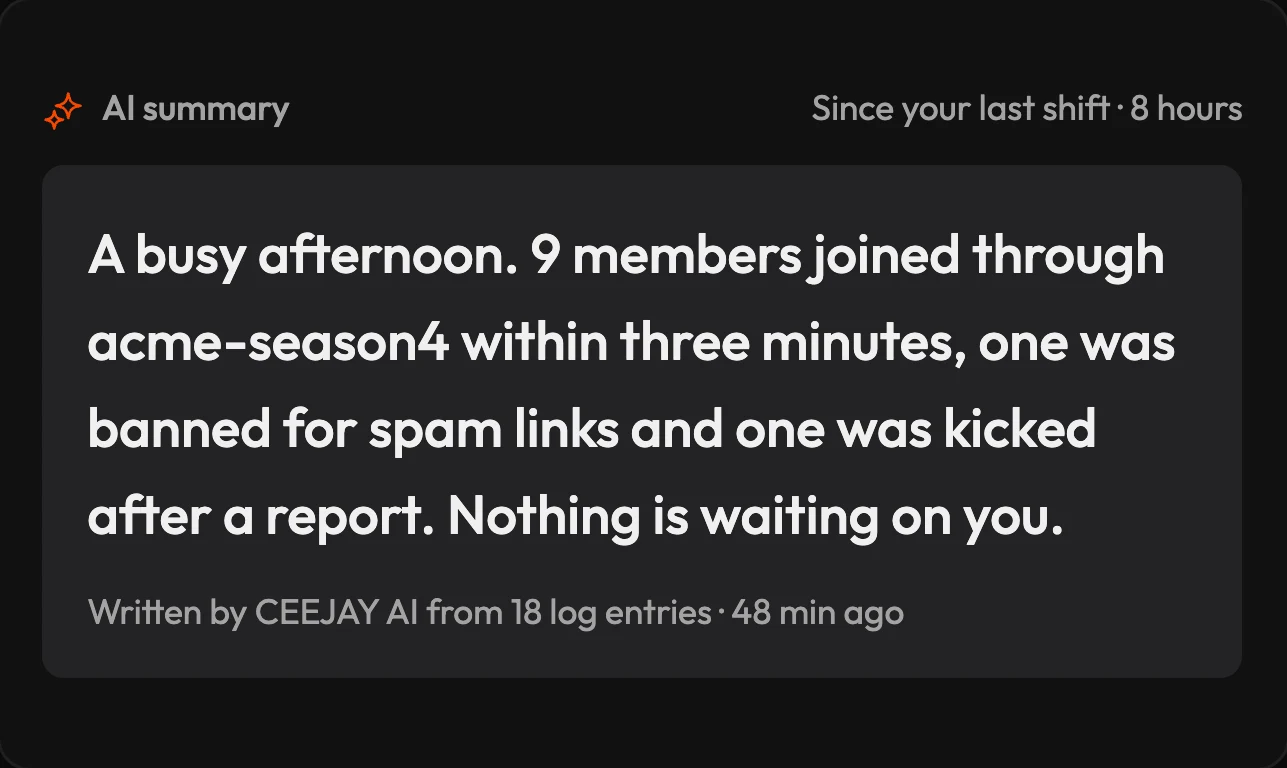
See what happened while you were away
CEEJAY AI writes a summary of the last eight hours for the moderator coming on shift, so the next mod starts with the full picture.

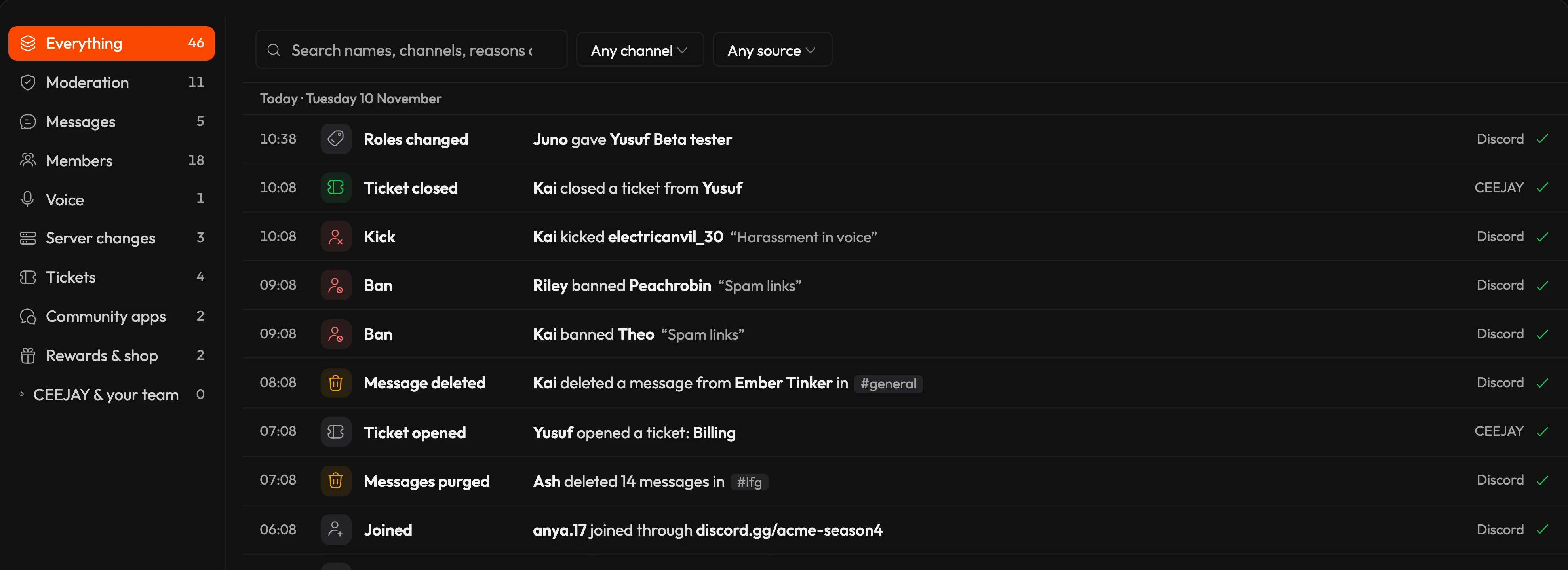
Find who changed what, and when
Every ban, kick, role change, deleted message and server change is saved with who made it and when. Search by name, channel or reason, filter by group and post each group to a log channel of its own.


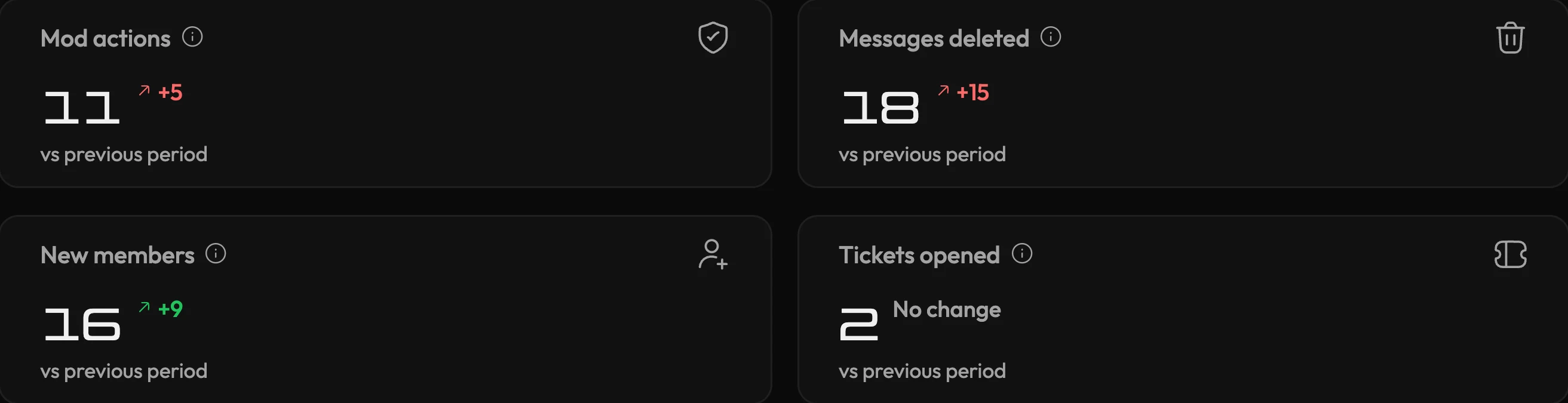
Spot a spike in mod actions
Compare mod actions, deleted messages, new members and tickets opened with the previous period.
More in Operations


The log goes back 180 days. Message text, such as deleted and edited messages, is retained for 7, 30 or 90 days as you choose, or you can switch it off.
Yes, for moderation and server changes. CEEJAY needs the View Audit Log permission in Discord to name who banned a member or changed a channel or role.
Yes. Choose a main log channel, and send each group, such as moderation or members, to a channel of its own.
Yes. Every plan includes every app. Plans differ by community size, editor seats and AI use.




Get started with CEEJAY
Book a demo of CEEJAY, or get a free launch plan for your server from our team.