Discord automation
Automate routine tasks so they get done even when nobody on the team is online.


What studios get from automations
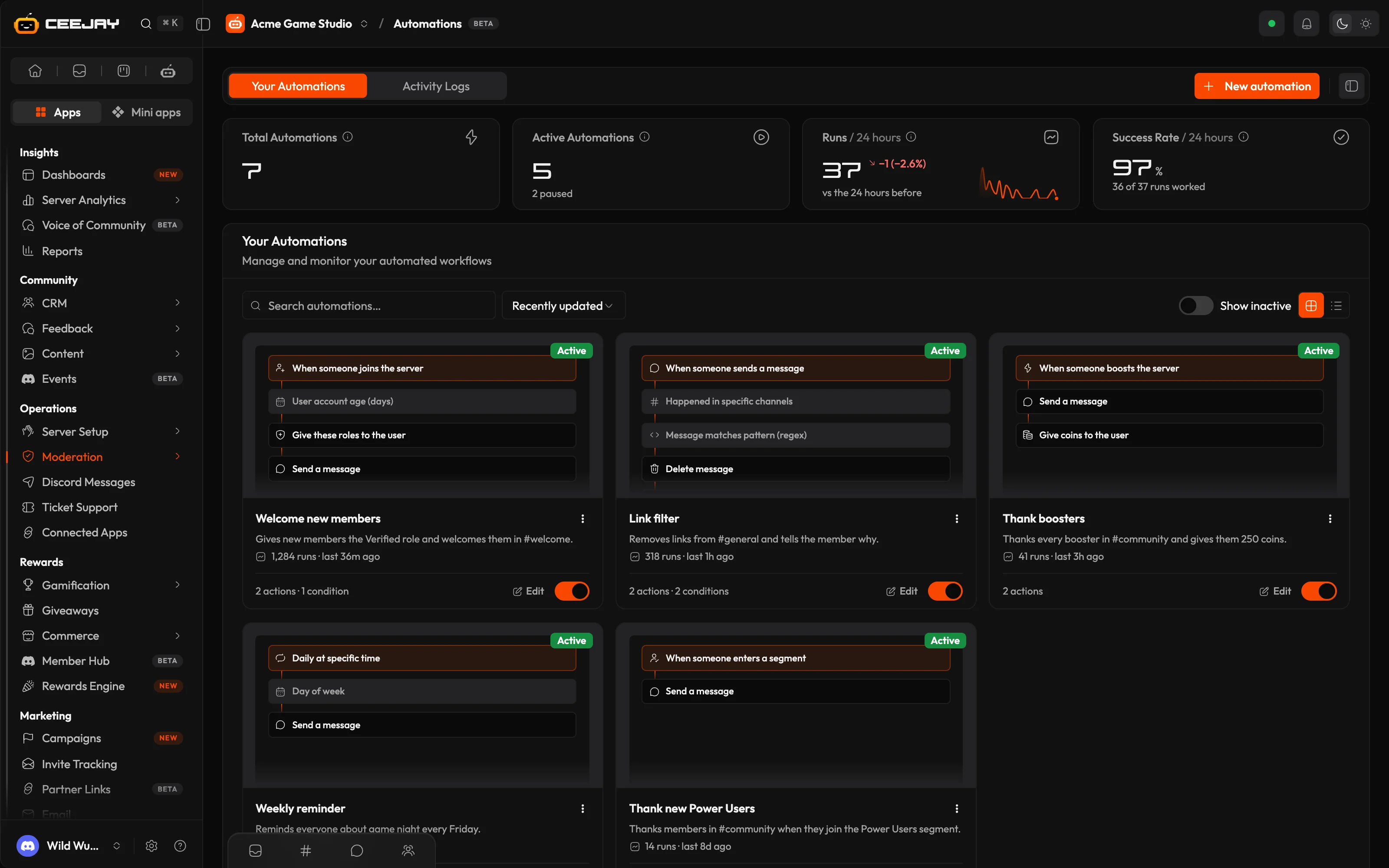
Welcome new members and give them a role
When someone joins, post a welcome message and give them the role you choose. Add a condition such as account age to keep new fake accounts out.
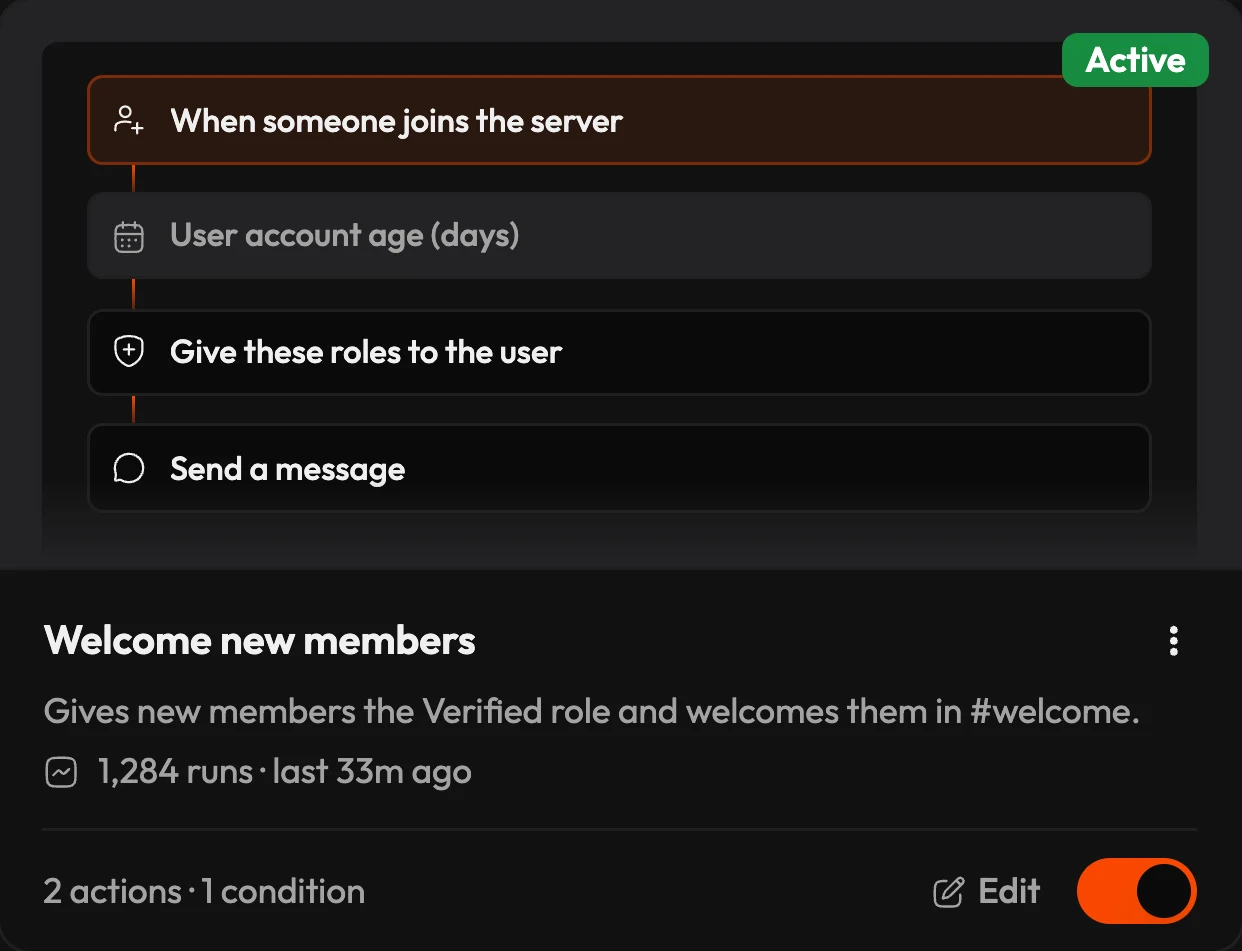

Remove links without a mod online
Delete messages that match a pattern in the channels you choose, and tell the member why, even when no moderator is on.
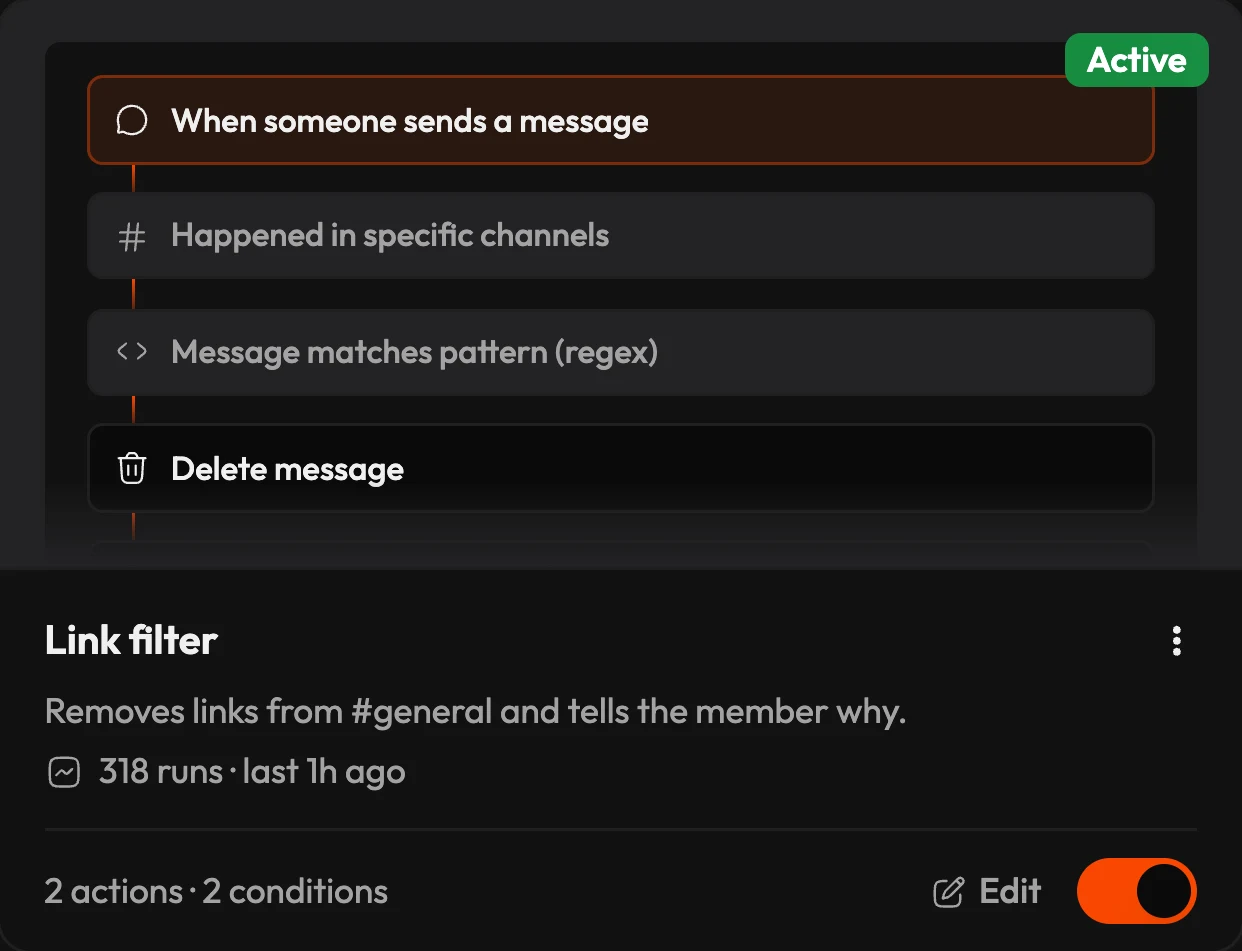


Thank boosters the moment they boost
Send a thank-you message and give coins or XP as soon as someone boosts your server.
Post reminders on a schedule
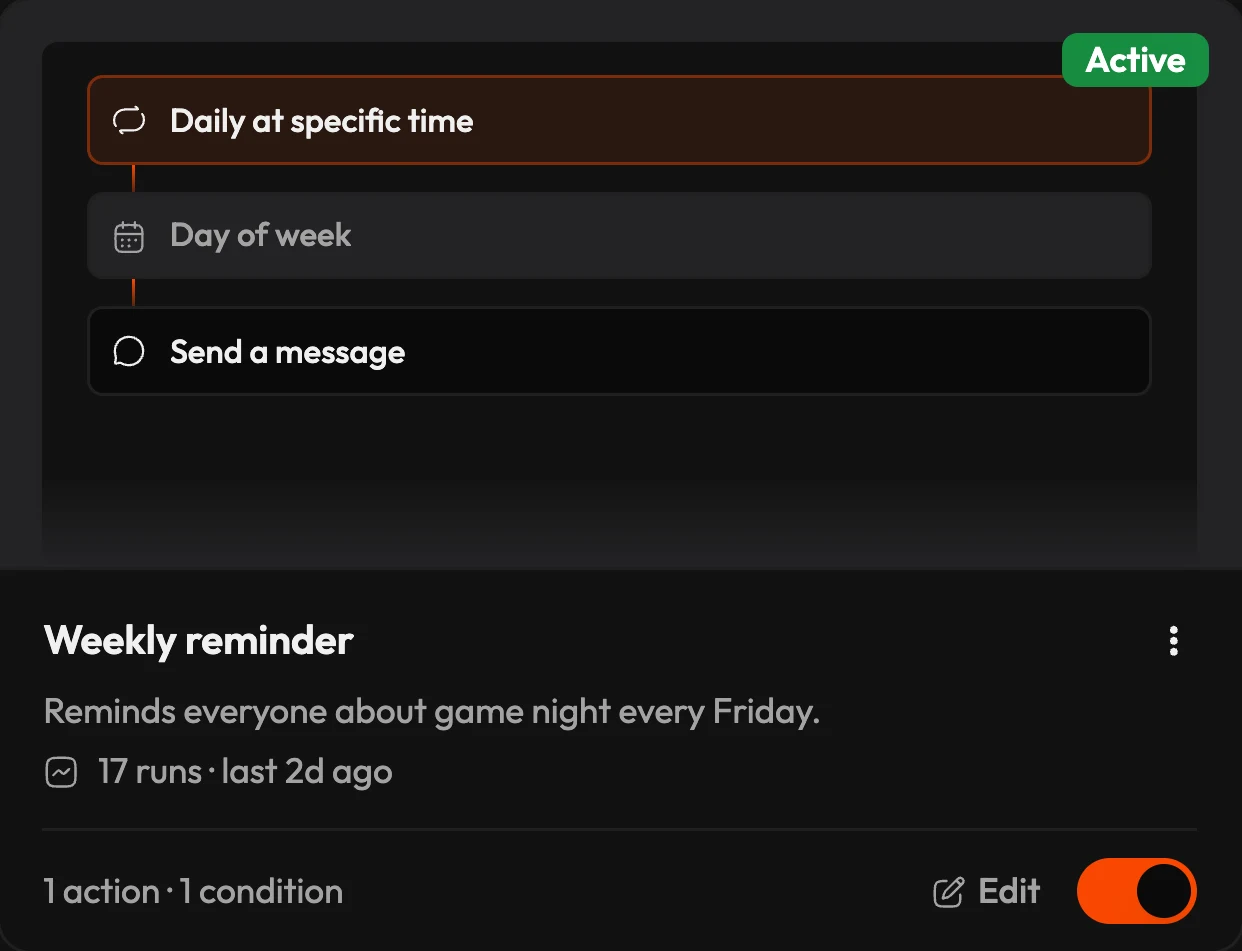
Run an automation daily at a set time, on the days you pick, to remind your community about game night or a patch.

Check every run
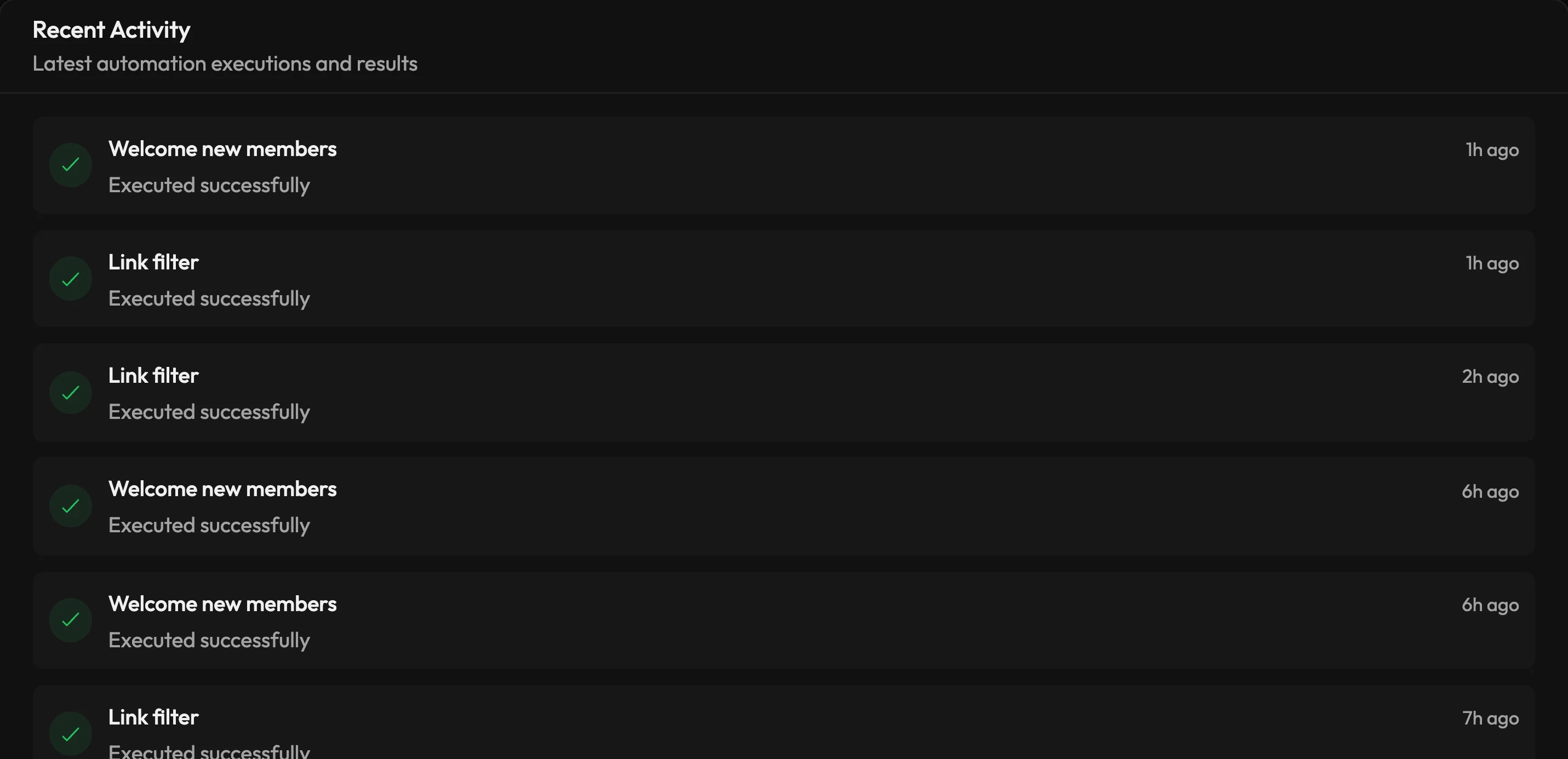
See how many automations ran in the last 24 hours and whether each one worked, with a log of every execution.
More than 20 triggers and 30 actions
Start from a trigger, narrow it with conditions, then choose what happens. Every automation shows how often it ran and whether it worked.
Members and roles
- Joins the server
- Leaves the server
- Enters a segment
- Leaves a segment
- Gains a role
- Loses a role
- Boosts the server
- Inactive for a number of days
- Changes nickname
Messages and reactions
- Sends a message
- Message contains keywords
- Posts an attachment
- Adds a reaction
- Reaches a number of reactions
Voice
- Joins voice
- Leaves voice
- Starts streaming
Linked accounts, apps and schedules
- Action on a linked platform
- Action in an app
- At a set time or date
- Daily at a set time
Conditions
- Channel
- Role
- Keywords or pattern
- Message length
- Attachment type or size
- Account age
- Time of day
- Day of week
Messaging actions
- Send a message
- Send an embed
- Reply to the message
- Repost in another channel
- Pin the message
- Delete the message
- Create a thread
Roles and reactions
- Give roles
- Remove roles
- Toggle a role
- React with emojis
- Remove reactions
Voice actions
- Move to a voice channel
- Disconnect from voice
- Voice mute
- Voice deafen
Rewards
- Give coins
- Deduct coins
- Give XP
- Deduct XP
Moderation
- Timeout
- Kick
- Ban
- Warn
- Notify moderators
- Log to a channel
Utilities
- Trigger a webhook
- Wait
More in Operations


Yes. They run on CEEJAY's bot in your server, so a join, a keyword or a schedule is handled the moment it happens.
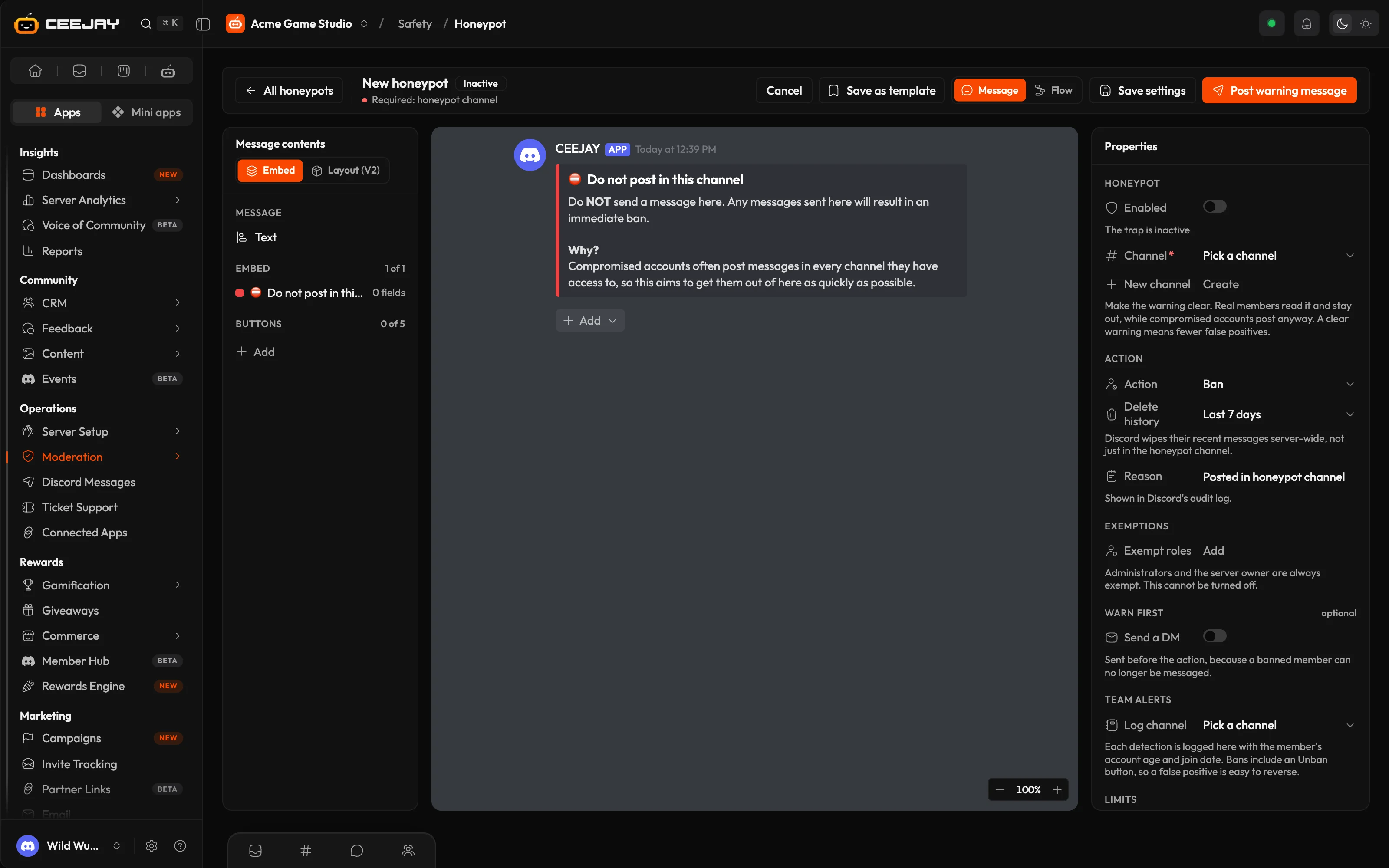
Yes. The Activity Logs tab lists every run and whether it worked, and each automation shows how many times it has run.
Yes. Actions include giving or taking coins and XP and giving roles, as well as posting messages and moderating.
Yes. Every plan includes every app. Plans differ by community size, editor seats and AI use.




Get started with CEEJAY
Book a demo of CEEJAY, or get a free launch plan for your server from our team.