Discord message scheduler
Line up a week of announcements in one sitting.
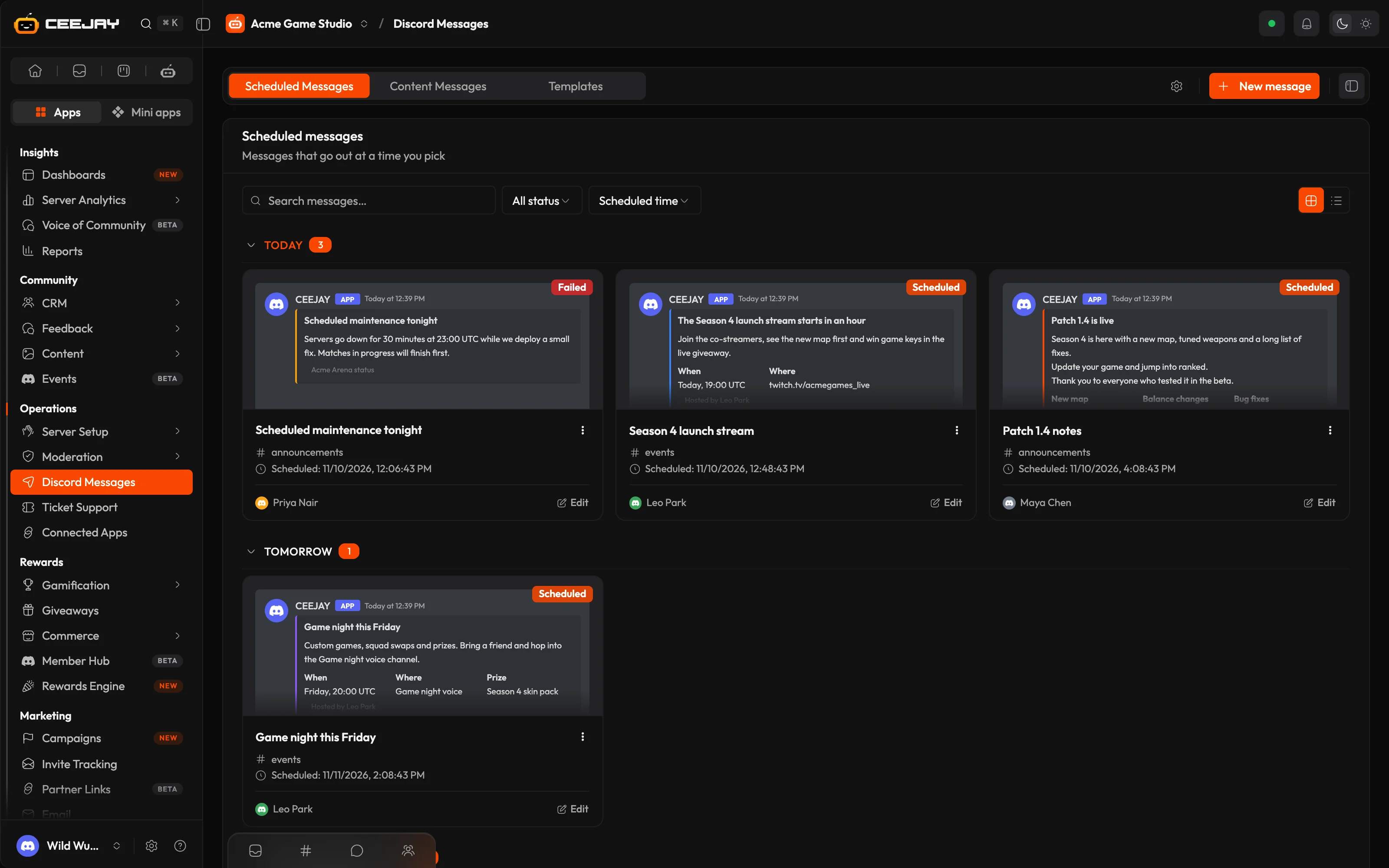


What studios get from scheduled messages
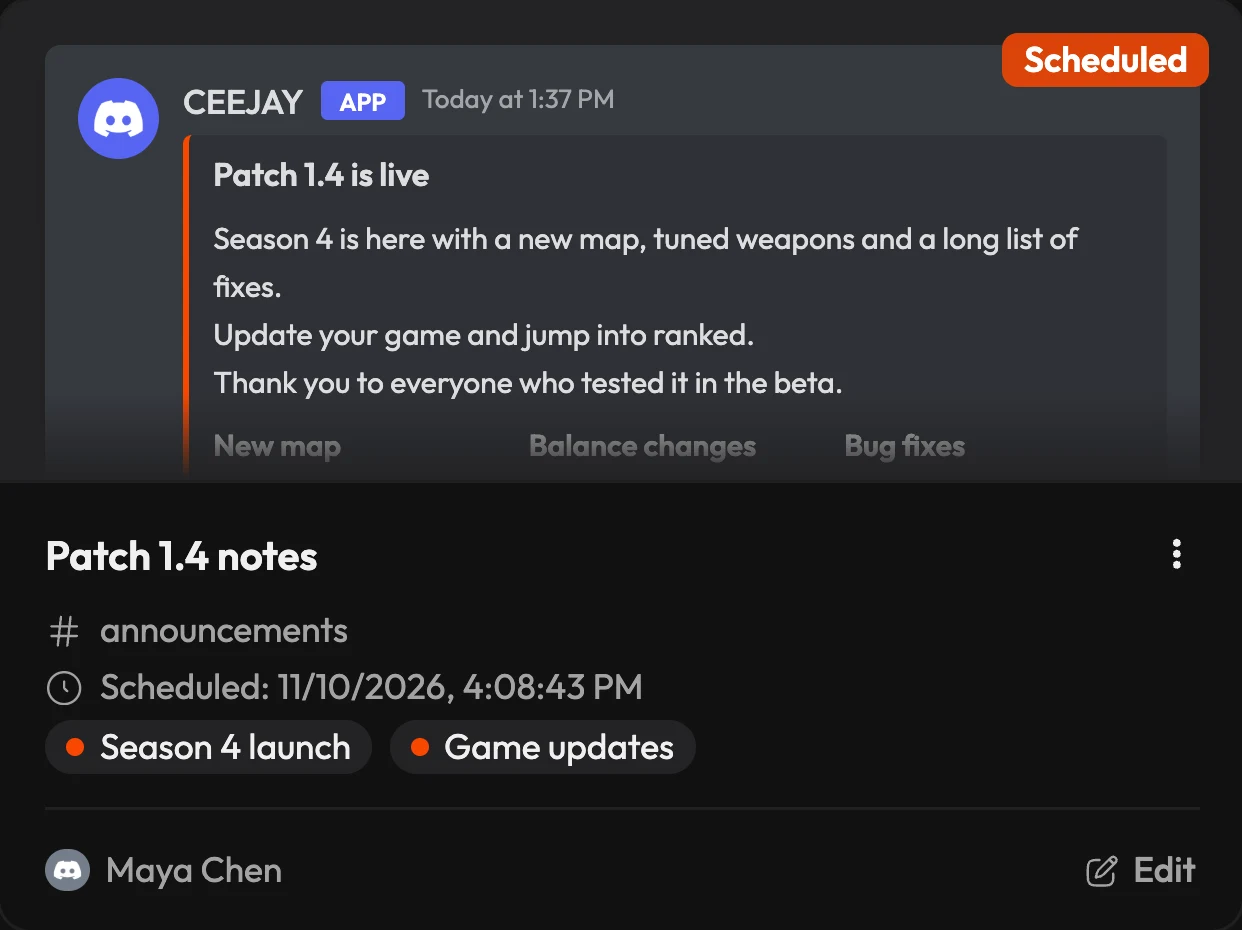
Schedule patch notes for launch time
Write the message once and set the time it goes out, so your announcement goes out the minute the patch does. Post under your game's own name and picture instead of the bot's.

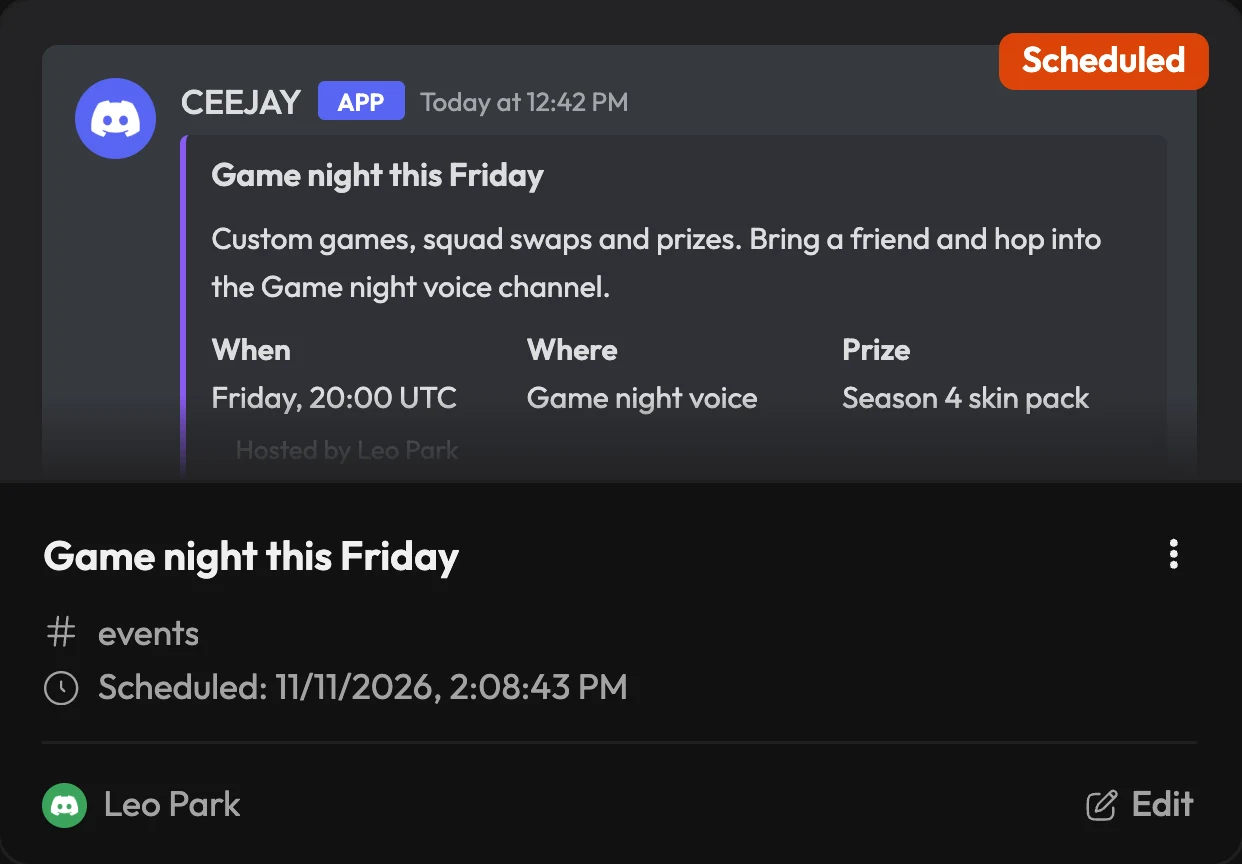
Announce game nights and streams on time
Schedule each announcement in advance, from Friday's game night to a stream going live, and edit it after it posts if plans change.


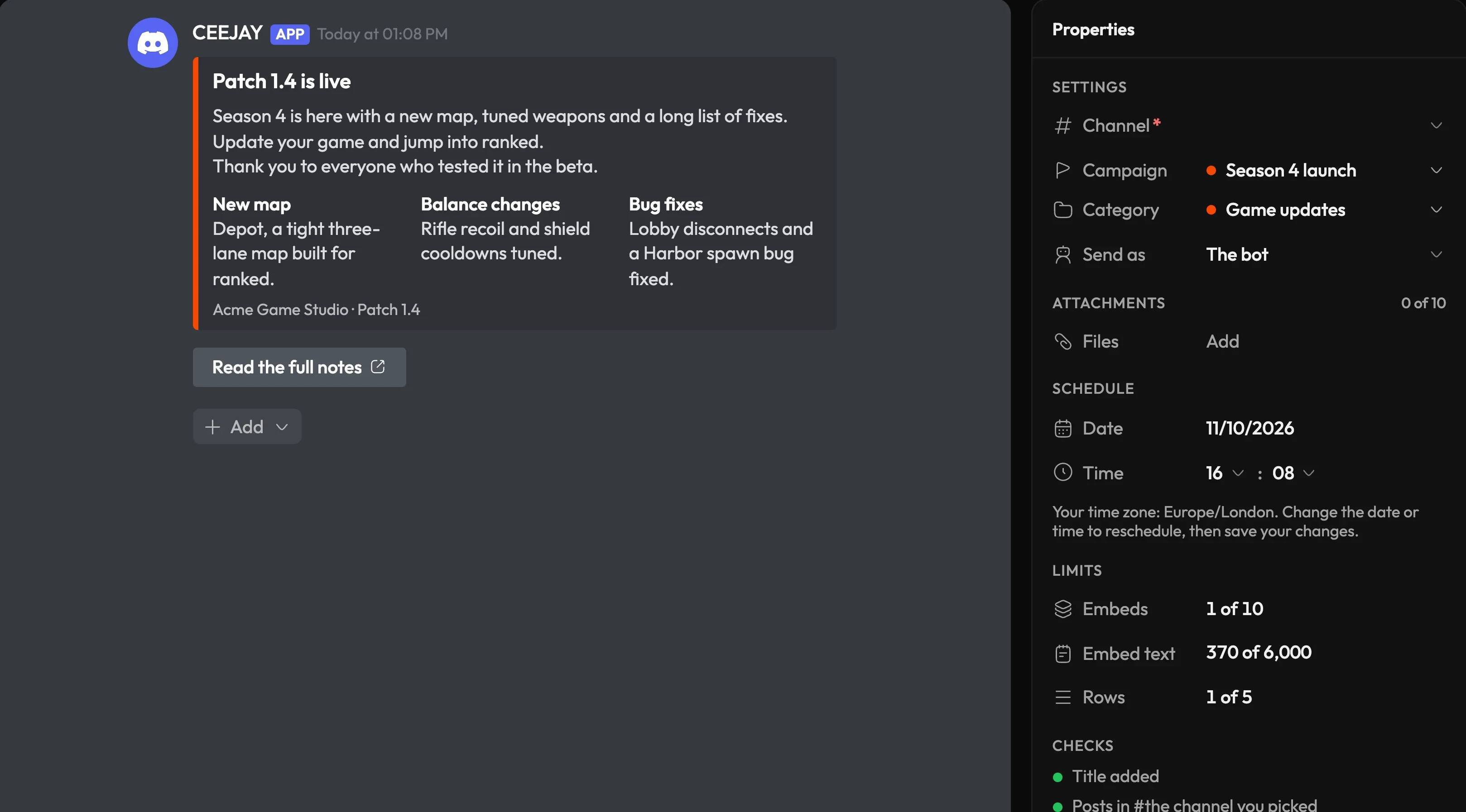
See exactly what members will see before it posts
Preview every embed, button and menu exactly as Discord shows it, and CEEJAY flags anything missing before you send.


Yes. Send it straight away, or set the time it should go out.
Yes. Post as a webhook with its own name and picture instead of the bot's.
Yes. Add buttons or menus that give a role or reply to the member, and edit the message after it is posted.
Yes. Every plan includes every app. Plans differ by community size, editor seats and AI use.




Get started with CEEJAY
Book a demo of CEEJAY, or get a free launch plan for your server from our team.